

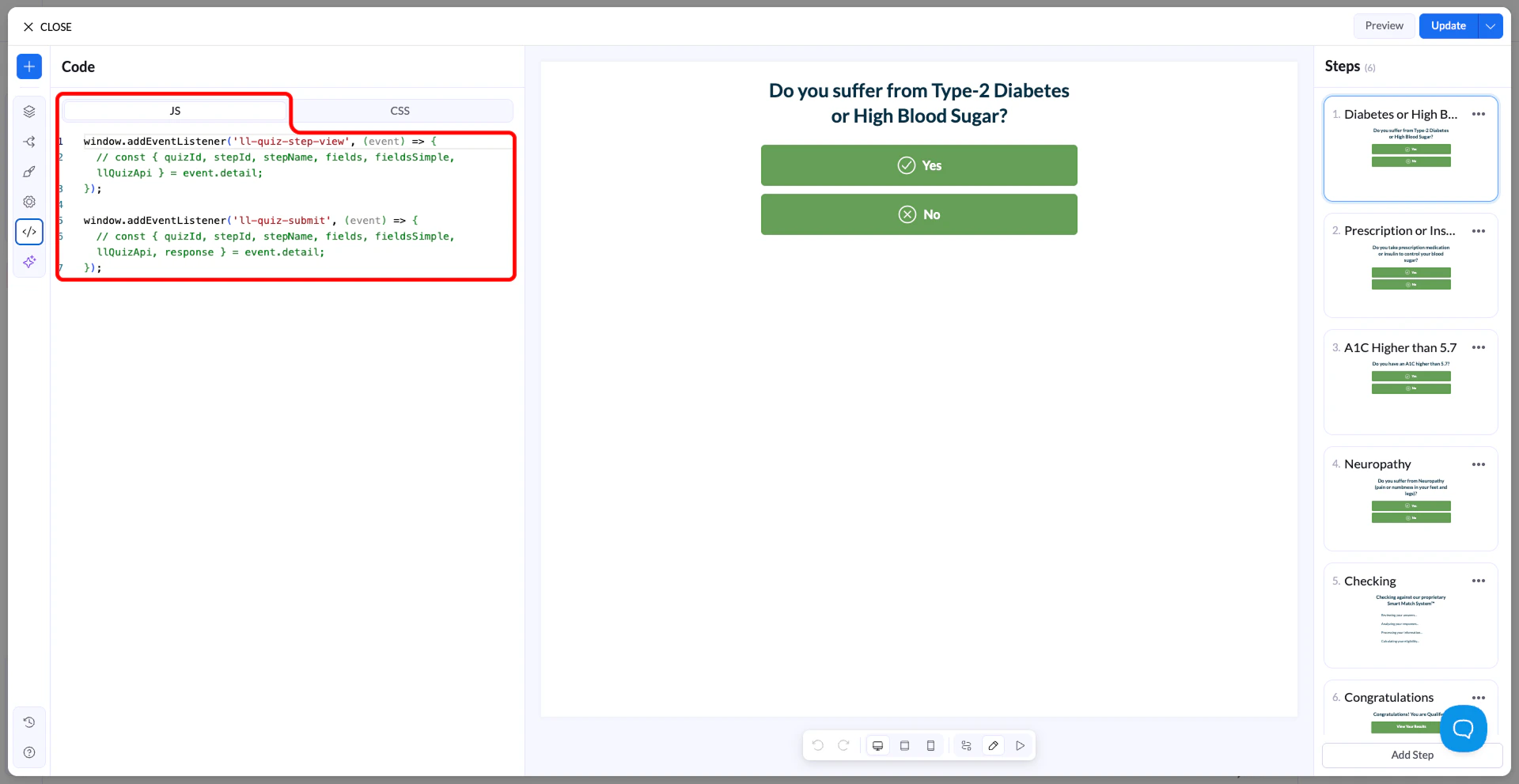
How it works
When your quiz loads, Landerlab initializes the funnel and makes its functionality available through events. You can listen to these events and run your own JavaScript when something happens in the funnel, such as when the quiz starts, a step is viewed, or the quiz is submitted.Use the APIs
Landerlab provides two main APIs for customization:- Quiz API – used to interact with the quiz (get/set values, navigate steps, access blocks)
- Events API – used to listen for actions happening in the funnel (init, step view, submit, clicks)
Access the Quiz API
The Quiz API is available inside events.Example: run code when the quiz loads
Example: update a field value
Example: navigate between steps
Example: listen for submission
Available events
You can listen to different events such as:ll-quiz-initll-quiz-step-viewll-quiz-step-leavell-quiz-button-clickll-quiz-input-clickll-quiz-submit
When to use custom JavaScript
Use custom JavaScript when you need:- custom logic or conditions
- integrations with external tools
- advanced tracking
- dynamic field updates
- custom navigation