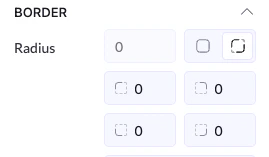
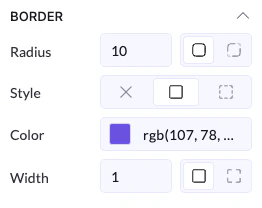
Radius (Corner Rounding)
- Controls how rounded the corners are
- All corners together → applies the same value everywhere
- Individual corners → set different values for each corner
👉 0 = sharp corners
Style
Defines how the border looks:- None → no border
- Solid → a continuous line
- Dashed/Dotted (if available) → styled borders
Color
- Sets the border color
- Can match your brand or contrast with background
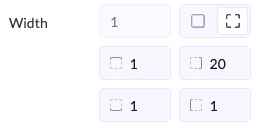
Width
- Controls how thick the border is
- Set one value for all sides
- Or define each side separately (top, right, bottom, left)