

Where to Find Validation
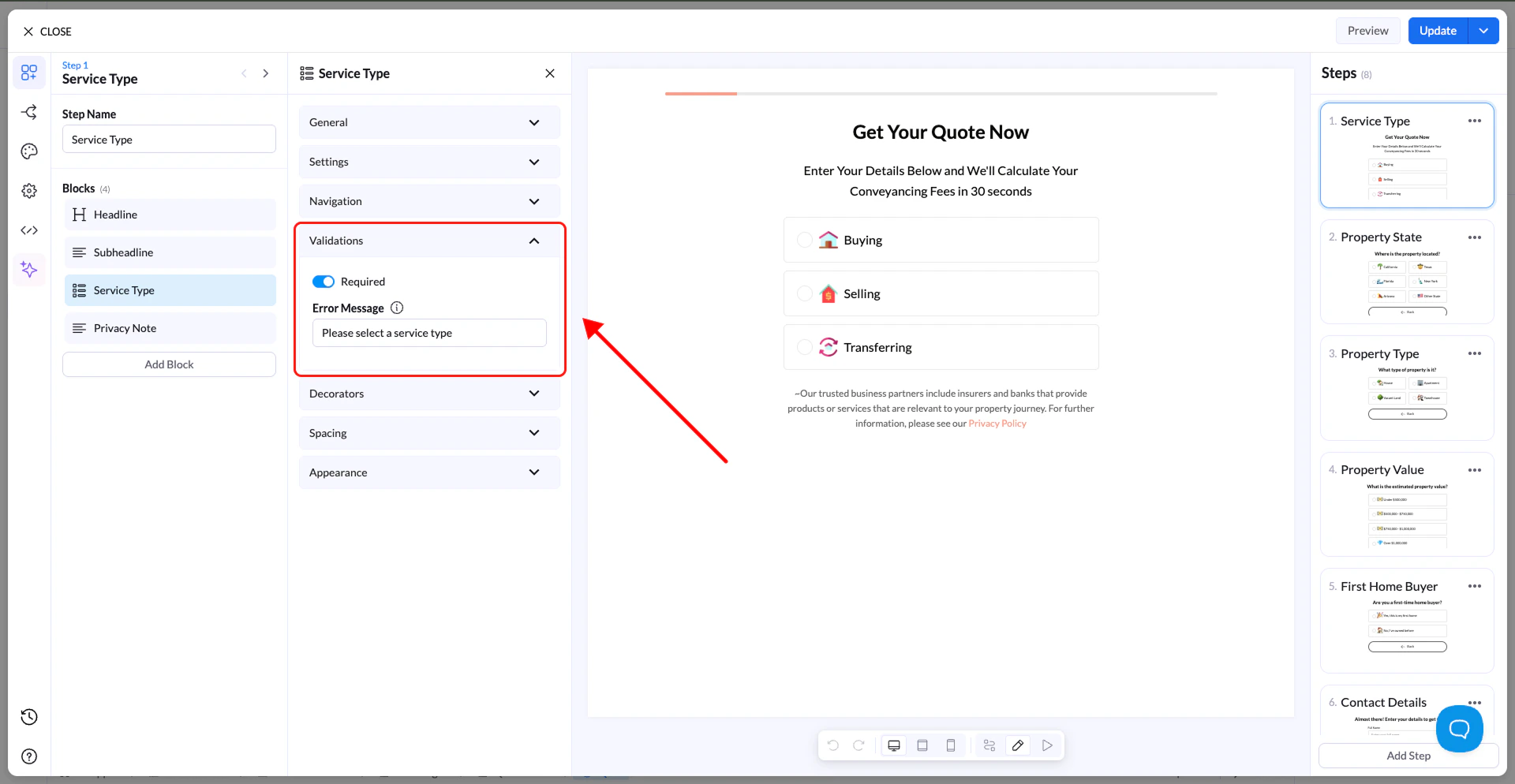
- Select the block you want to apply validation to
- Open the block settings panel
- Locate the Validation section
How to Use Validation
- Turn validation ON in the block settings
- Add a custom Error Message (optional)
Error Messages
You can define your own message that appears when validation fails. Examples:- “Enter a valid email address”
- “Please select an option”
- “Phone number is required”
Best Practices
- Keep messages short and clear
- Tell users exactly what needs to be fixed
- Use validation on all important fields to avoid incomplete or incorrect data