

Folders
Rename Folders for Better Organization
Rename folders to keep landing pages organized and align your workspace with campaigns, funnels, and projects
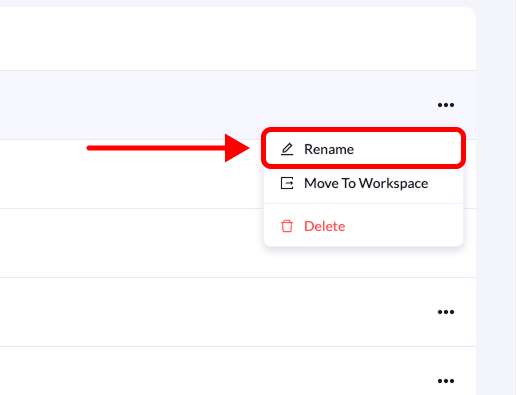
You can rename folders at any time to better match your campaign, funnel, or project name. This helps keep your landing pages organized and easy to manage.
Follow the steps below to rename a folder.