

Folders
Remove Landing Pages from Folders
Remove landing pages from folders to reorganize your workspace and manage pages more flexibly across campaigns.
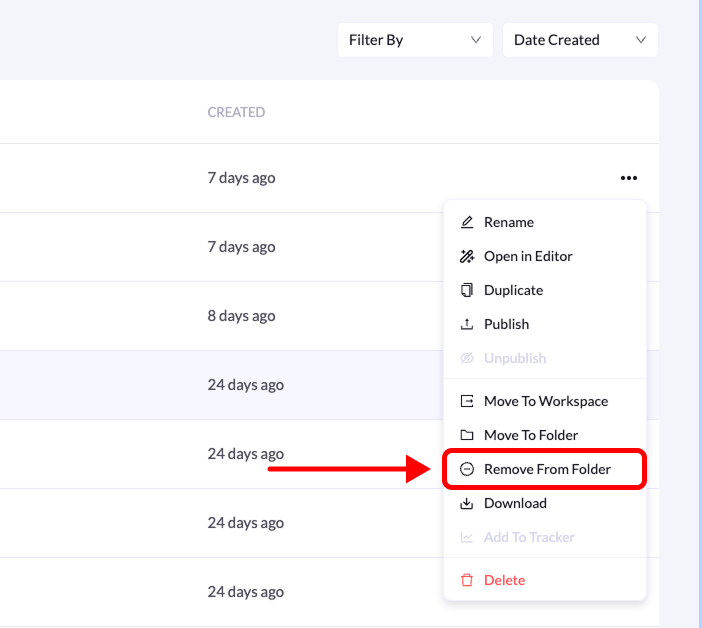
You can remove a landing page from a folder at any time. This is useful if you want to reorganize your pages or move them back to the main landing pages list.
Follow the steps below to remove a landing page from a folder.