

Make sure your ZIP file includes everything your landing page needs to work properly. Missing files or folders can cause display issues or broken functionality.
- Log in to Landerlab and go to Landing Pages.
- Click Add Landing Page in the top-right corner.
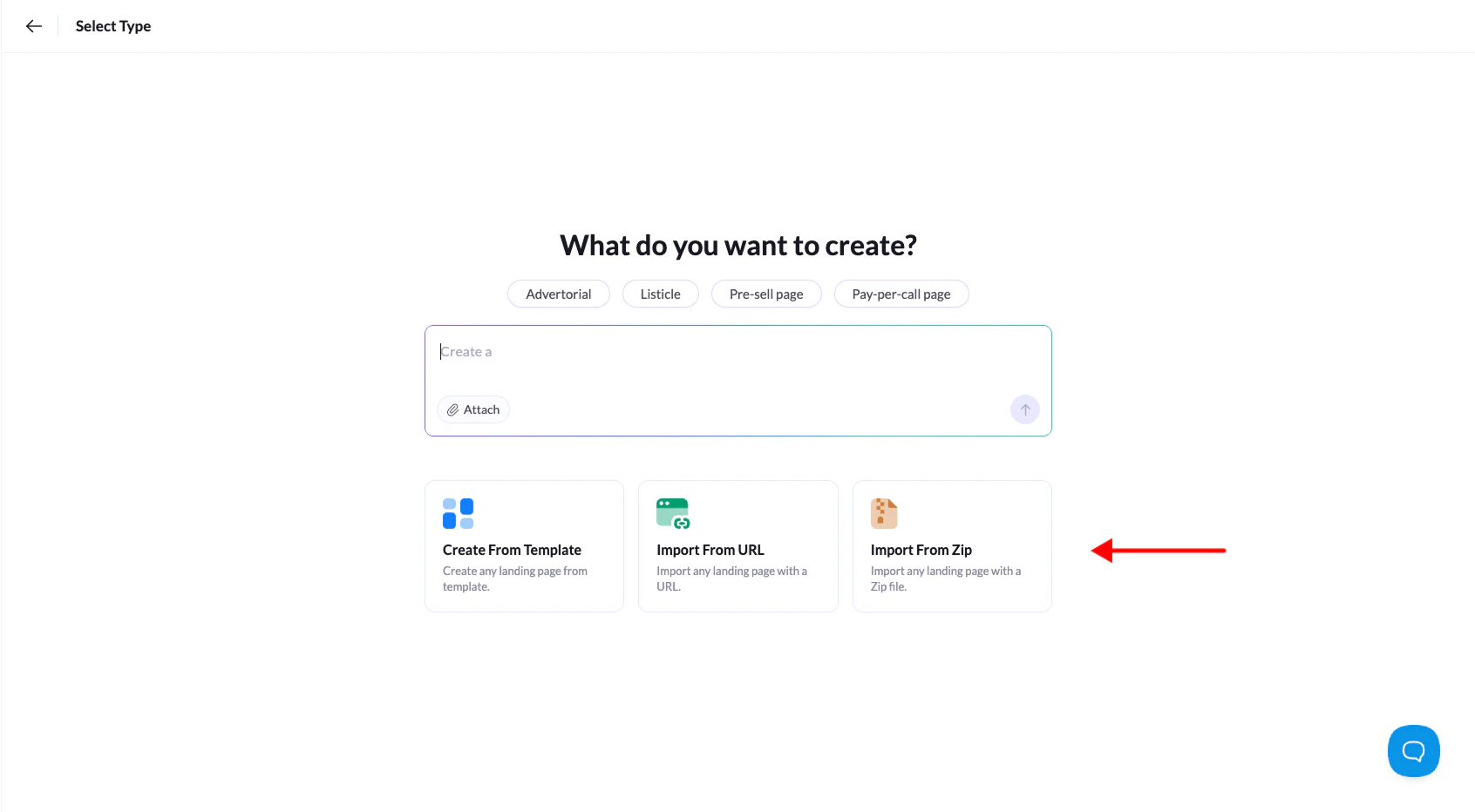
- Select Upload from ZIP from the options.
- Click the center box to browse for your ZIP file, or just drag and drop it into the dashed area. Then click Continue.
- Give your landing page a name and click Create Landing Page.