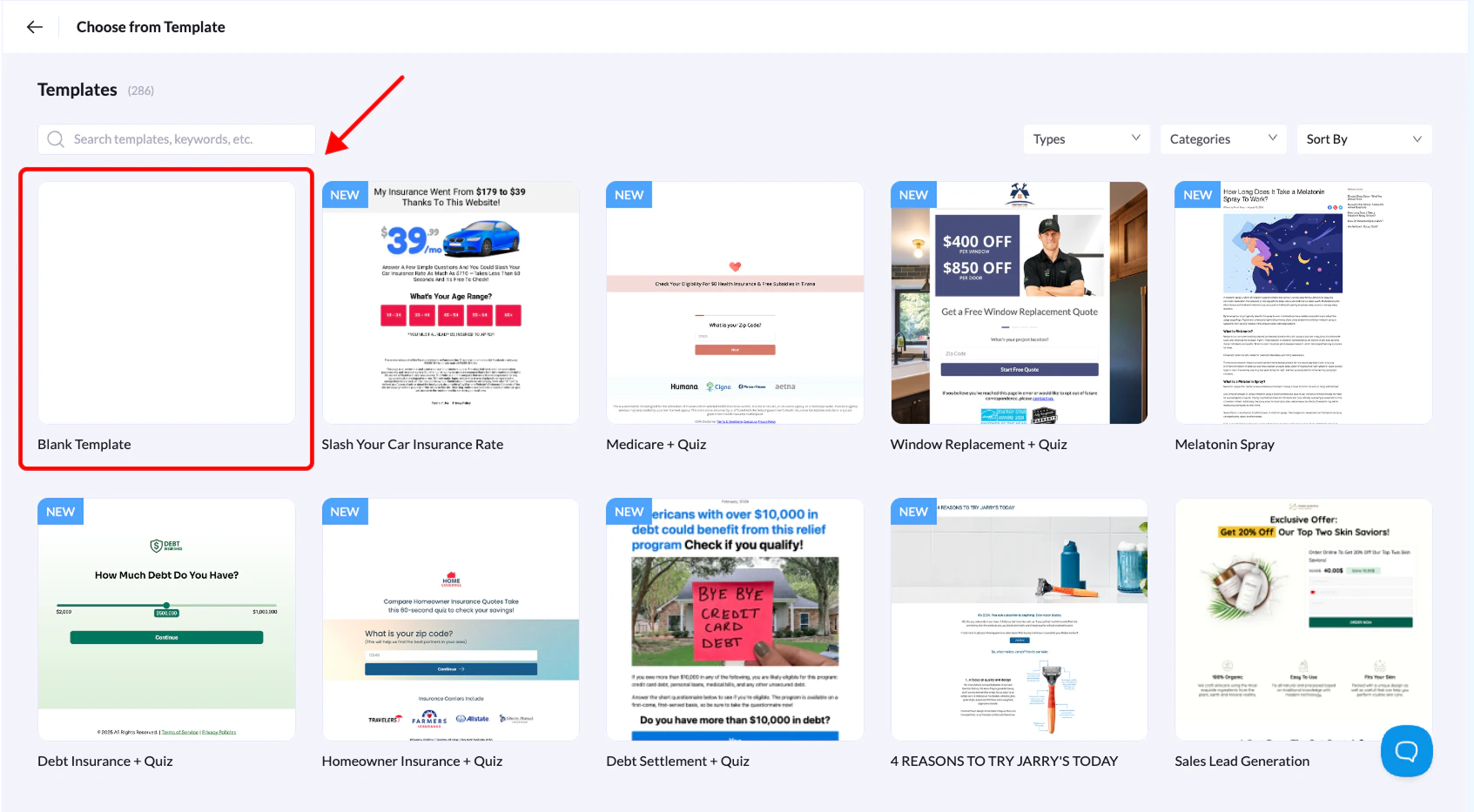
Landerlab gives you several ways to create landing pages, you can use ready-made templates, upload ZIP file, or import from URLs. But if you want total control over your design, starting from scratch with a blank template is the way to go.Documentation Index
Fetch the complete documentation index at: https://docs.landerlab.io/llms.txt
Use this file to discover all available pages before exploring further.

- Log in to Landerlab and head over to the Landing Pages section.
- Click Add Landing Page in the top-right corner.
- From the options that appear, select Choose from Template.
- Find the blank template in the list and click Use Template.
- Give your landing page a name that makes sense to you, then click Create Landing Page