Creating a popup
- Open your page in the editor From your dashboard, click Edit on the landing page you want to add a popup to.
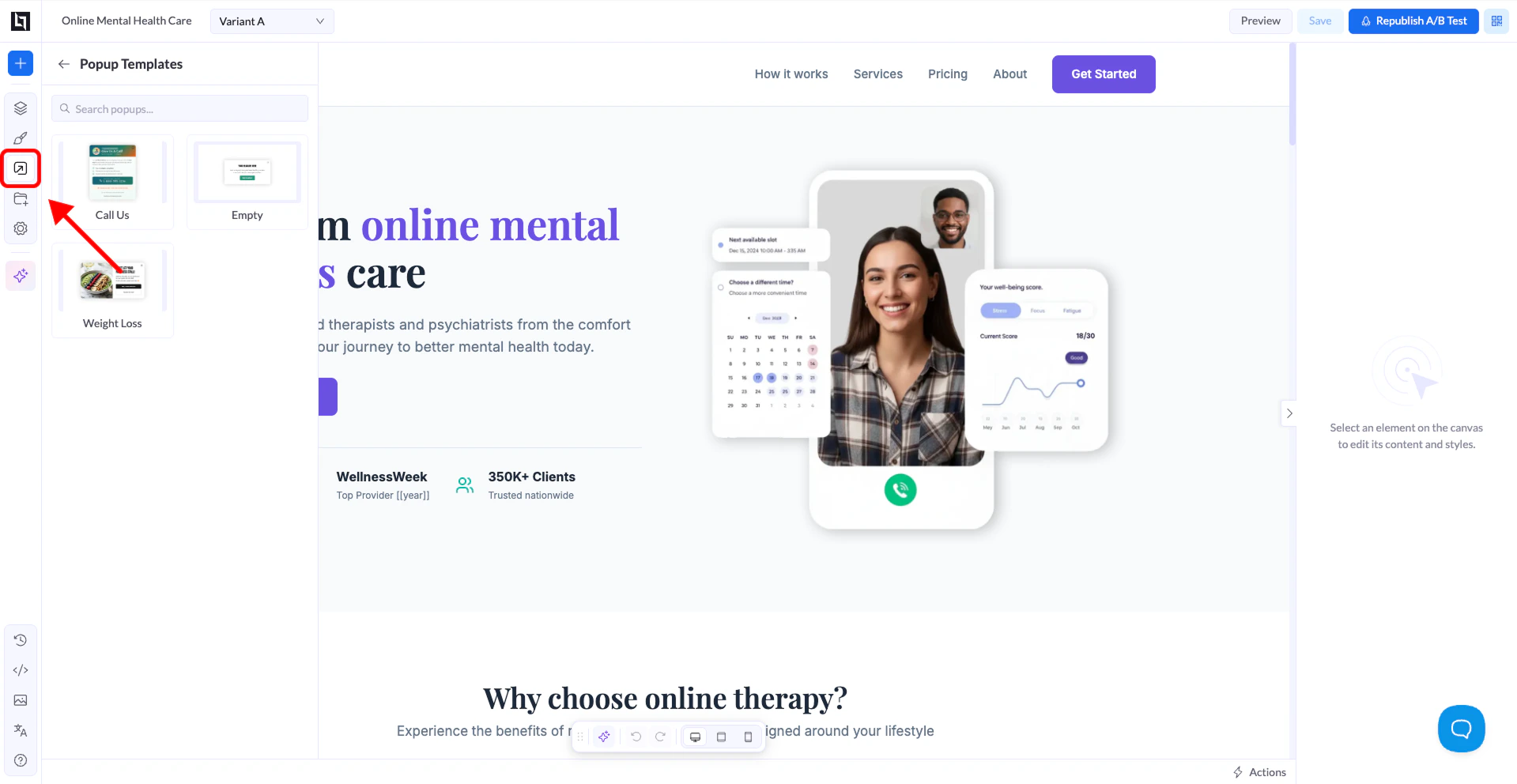
- Go to the Popups panel In the left sidebar, click the Popups icon. If no popups have been added yet, you’ll see an empty state with an Add Popup button.
- Click “Add Popup” This opens the Popup Templates panel.
- Select a template or start blank Pick one of the available templates, or choose Empty to build from scratch. The popup is instantly added to your page.