

Step-by-Step Guide
1. Open the landing page overview
From the Landing Pages list, click the title of the landing page you want to publish.2. Click “Publish”
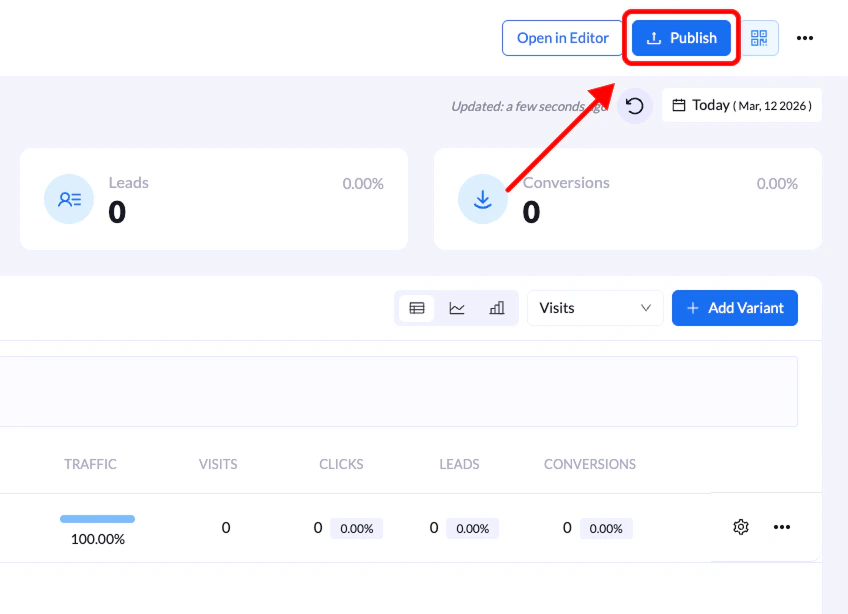
On the overview screen, click the Publish button located in the top-right corner.3. Choose your domain and URL path
In the Publish Your Landing Page modal, select:- The domain where the page will be hosted
- The URL path for the page