This guide shows you how to link two landing pages together so that when a visitor clicks the button on your main lander, they are redirected to your thank you page.
This is useful when you want to:
- Send visitors to a confirmation page after they click your CTA
- Keep a campaign’s lander and thank you page organized together
- Track the journey from lander to thank you page
How It Works
You create a folder, add two landing pages to it (your main lander and a thank you page), publish both, and then set the button on the main lander to redirect to the thank you page’s published link.
Step-by-Step Guide
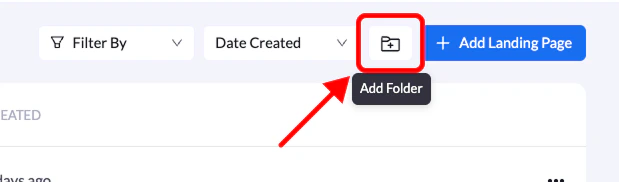
1. Create a Folder
- Create a new folder for your campaign
- Give it a clear name so both pages are easy to find later
2. Create the Two Landing Pages
Inside the folder, create two pages:
- Main lander – the page visitors land on first
- Thank you page – the page visitors see after clicking the button
You can create them from scratch, from a template, or add existing landers to the folder.
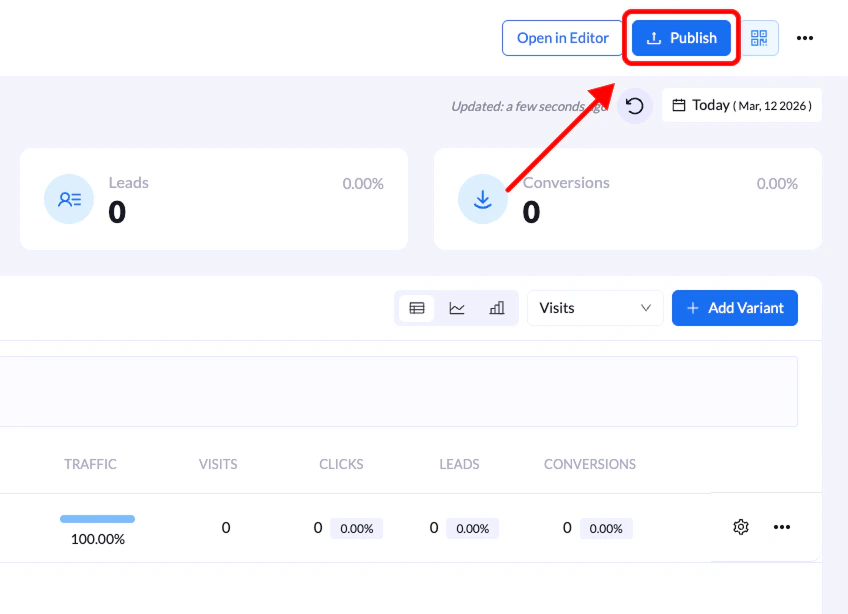
3. Publish Both Pages
- Publish the thank you page
- Publish the main lander
Publish the thank you page first. You need its live link before you can connect the button on the main lander.
4. Copy the Thank You Page Link
- Open the published thank you page
- Copy its full URL (for example,
https://yourdomain.com/thank-you)
5. Redirect the Button to the Thank You Page
- Open the main lander in the editor
- Select the button you want visitors to click
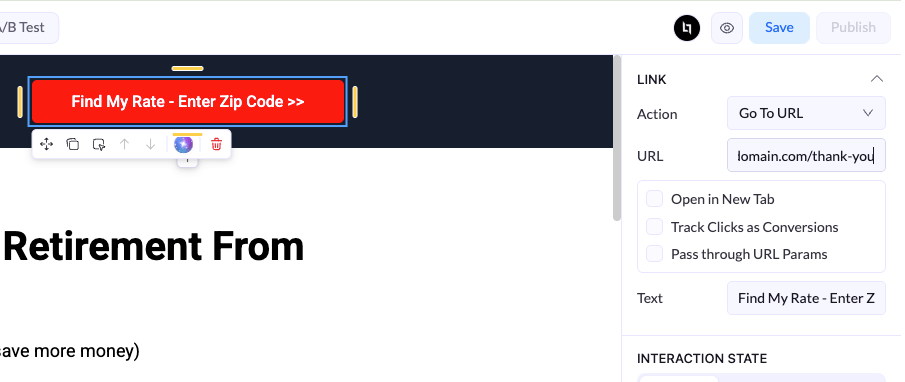
- Open the Link (Button Actions) settings
- Set the action type to Go To URL
- Paste the thank you page URL into the URL field
Enable Pass Through URL Params if you want tracking parameters (like UTMs or click IDs) to carry over to the thank you page.
6. Republish the Main Lander
- Save your changes
- Republish the main lander so the new button link goes live
Final Result
When a visitor clicks the button on your main lander, they are now redirected to your thank you page.
Important Notes
- Always test the button on the live page to confirm the redirect works
- If you change the thank you page’s domain or path, update the button URL on the main lander and republish it
- Changes to the main lander only go live after you republish