

How to update your timezone
- Go to Settings in the top-right corner of the dashboard.
- Under Account, click Profile.
- Scroll down to the Timezone field.
- Select your timezone from the dropdown.
- Save your changes.
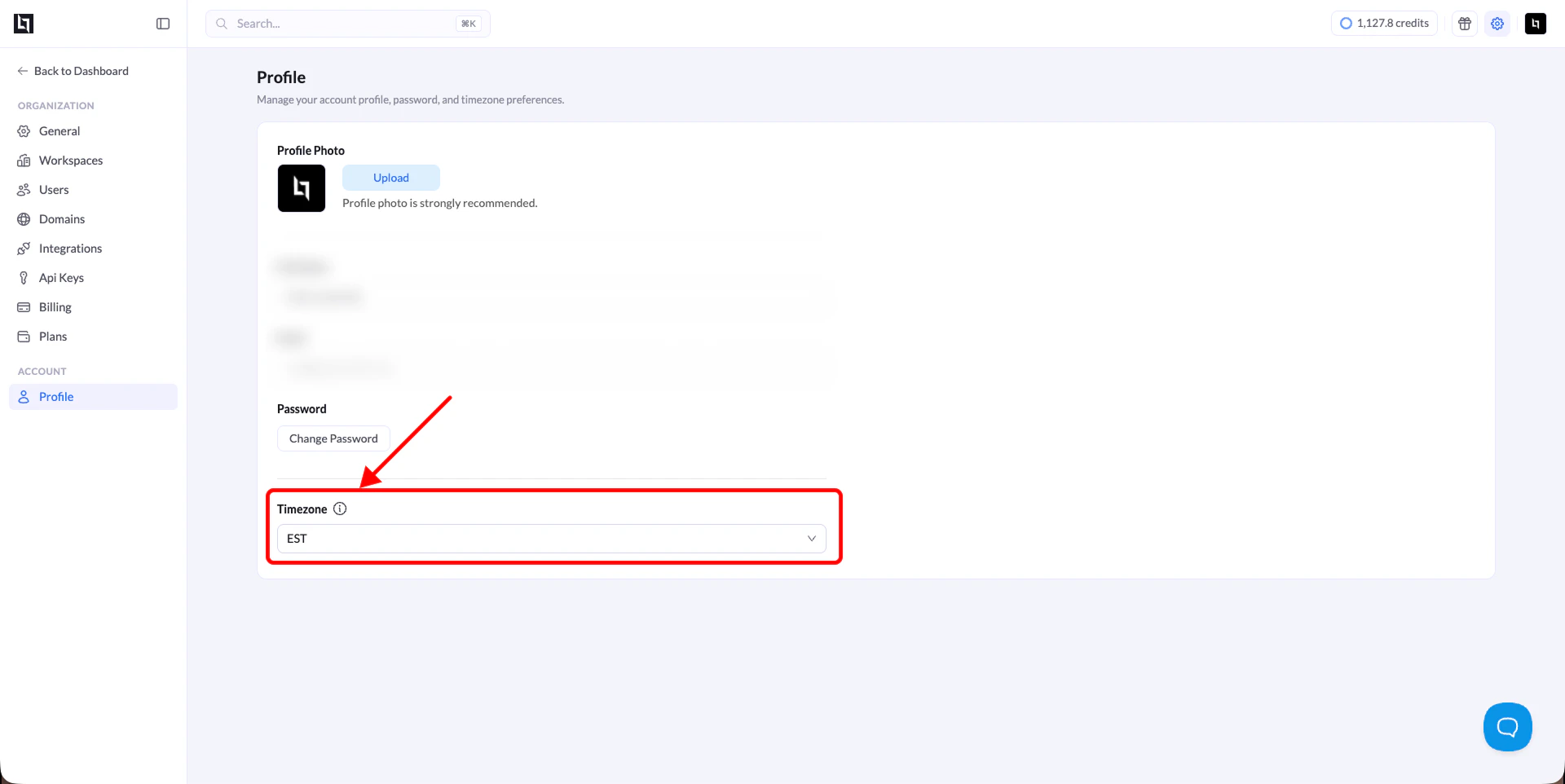
Learn how to update your timezone in LanderLab profile settings to make sure your analytics data reflects the correct local time.