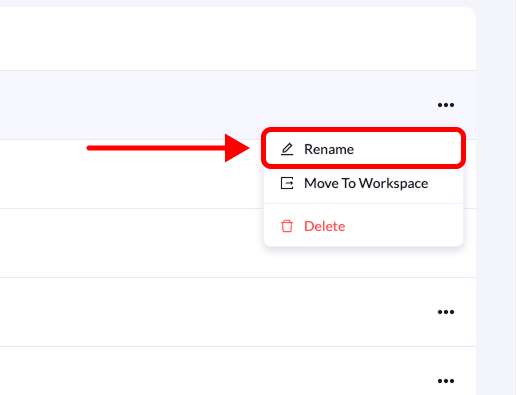
You can rename folders at any time to better match your campaign, funnel, or project name. This helps keep your landing pages organized and easy to manage. Follow the steps below to rename a folder.
Rename

Step-by-Step Guide

1. Go to Landing Pages

From the left-side menu, click Landing Pages.

2. Locate the folder

Find the folder you want to rename in the list.

3. Click the edit icon

Hover over the folder name and click the pen (edit) icon that appears on the right side.

4. Enter the new name

In the Rename Folder dialog box, type the new name for your folder.

5. Confirm the change

Click Rename Folder to save the updated name. Your folder will now display the new name.