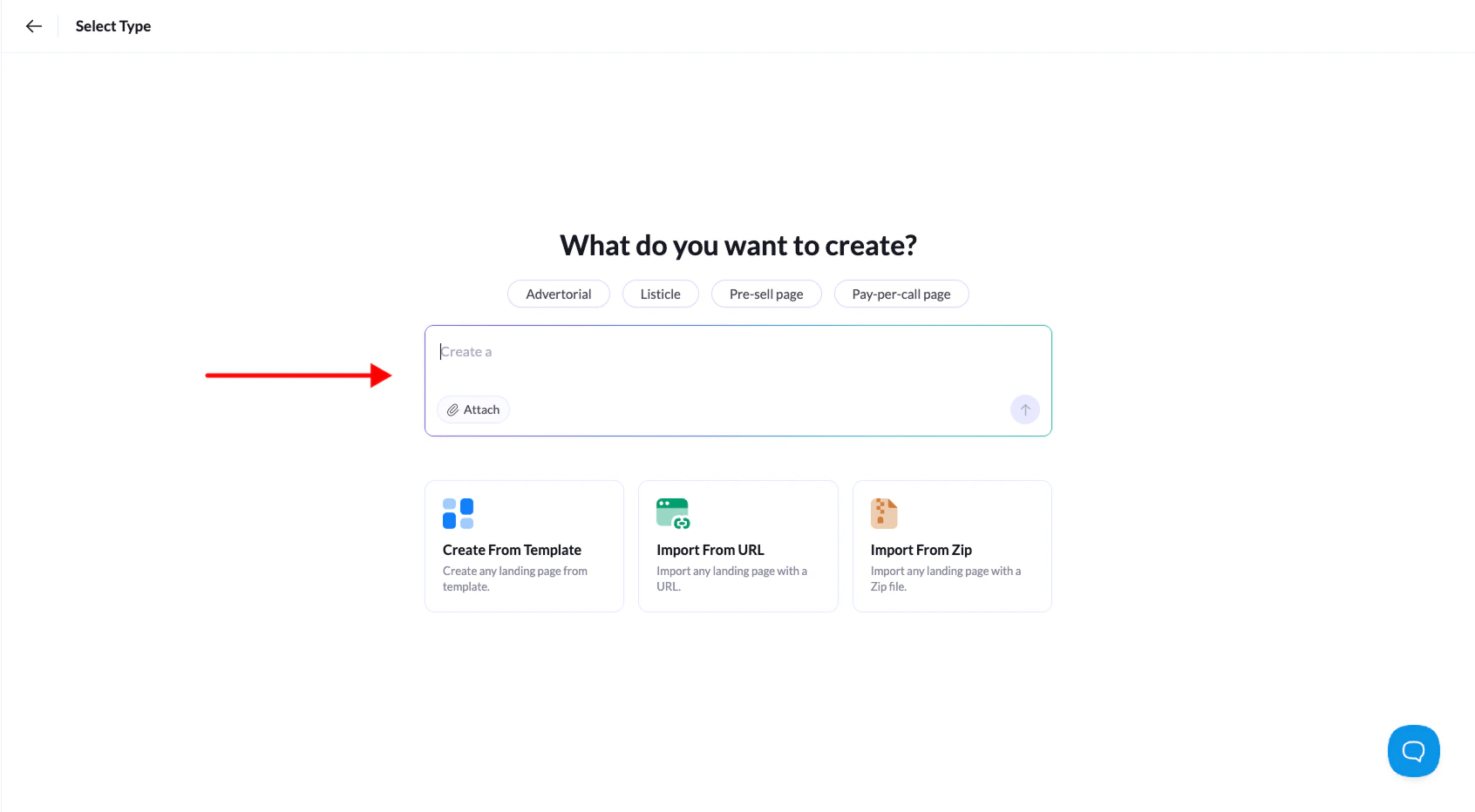
LanderLab allows you to generate landing pages instantly using AI. Instead of starting from a template or building everything manually, you can simply describe what you want to create and the AI will generate a landing page structure for you.
This is the fastest way to create pages for advertorials, listicles, pre-sell pages, or pay-per-call campaigns.
How to Create a Landing Page with AI
1. Go to the Landing Pages section
Log in to LanderLab and navigate to the Landing Pages section in your dashboard.
2. Click “Add Landing Page”
Click Add Landing Page in the top-right corner to open the page creation screen.
3. Use the AI prompt field
At the top of the screen you will see the AI prompt asking:
“What do you want to create?”
Type a short description of the landing page you want the AI to generate.
4. Use preset prompts (optional)
Above the prompt field you will see preset prompts that help you quickly start your request.
Examples include:
- Advertorial
- Listicle
- Pre-sell page
- Pay-per-call page
Clicking one of these will automatically insert a starter prompt that you can modify before generating the page.
5. Generate the landing page
Once your prompt is ready, click the generate arrow to create the landing page.
LanderLab AI will generate a complete landing page structure, including sections and content based on your prompt.
6. Customize the page in the editor
After the page is generated, it will open in the visual builder where you can edit:
- Text and headlines
- Images and sections
- Layout and structure
- Calls-to-action
From there you can fully customize the page before publishing it.
The more specific your prompt is, the better the AI can generate a landing page that matches your campaign.