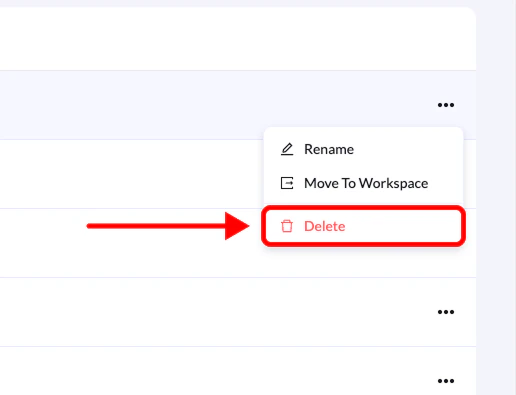
You can delete folders if they are no longer needed. This helps keep your workspace organized and remove unused project structures.
Before you begin:
Deleting a folder will not delete the landing pages inside it. All landing pages will simply be moved back to the main landing pages list.
Step-by-Step Guide
1. Go to Landing Pages
From the left-side menu, click Landing Pages.
2. Locate the folder
Find the folder you want to delete.
Click the three-dot menu (•••) on the right side of the folder.
4. Select Delete
Click Delete from the list of options.
5. Confirm deletion
Click Delete again to confirm.
The folder will be removed, and any landing pages that were inside it will be moved back to the main landing pages section.