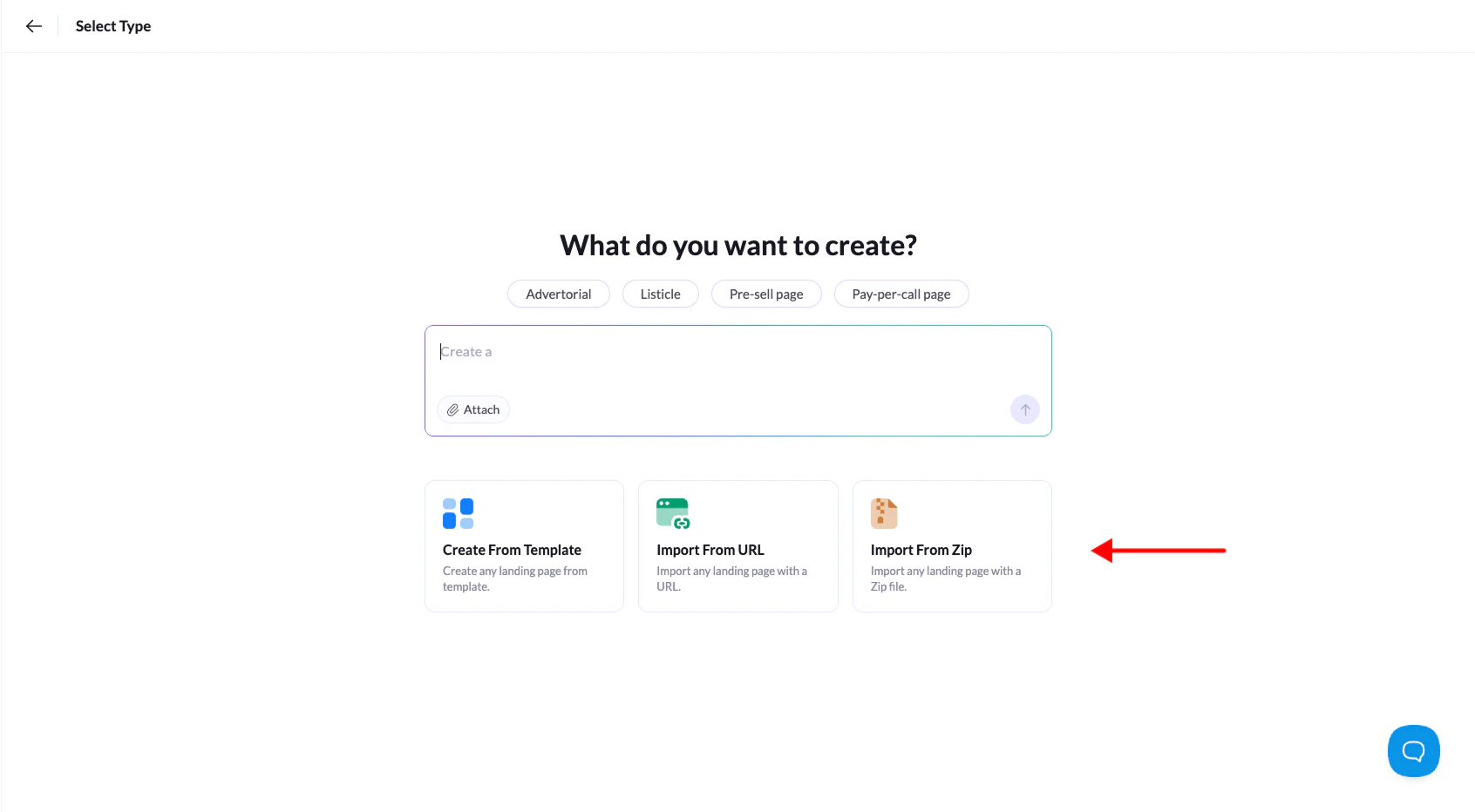
Got a custom-designed landing page you want to use in Landerlab? No problem. Just pack everything into a ZIP file—all the HTML, CSS, images, and subfolders—and upload it to your account. From there, you can host, edit, and customize it however you need.
Make sure your ZIP file includes everything your landing page needs to work properly. Missing files or folders can cause display issues or broken functionality.
- Log in to Landerlab and go to Landing Pages.
- Click Add Landing Page in the top-right corner.
- Select Upload from ZIP from the options.
- Click the center box to browse for your ZIP file, or just drag and drop it into the dashed area. Then click Continue.
- Give your landing page a name and click Create Landing Page.
That’s it! Your custom landing page is now in your Landerlab account and will open automatically in the visual editor. You can customize and tweak it from there to match your exact needs.