Creating a landing page in LanderLab is quick and easy using our ready-made templates. Templates help you launch pages faster by giving you a pre-built layout that you can customize for your campaign.
Follow the steps below to create a landing page from a template.
How to Create a Landing Page from a Template
1. Log in to LanderLab
Sign in to your LanderLab account and navigate to the Landing Pages section.
2. Click “Add Landing Page”
Click Add Landing Page in the top-right corner to open the page creation options.
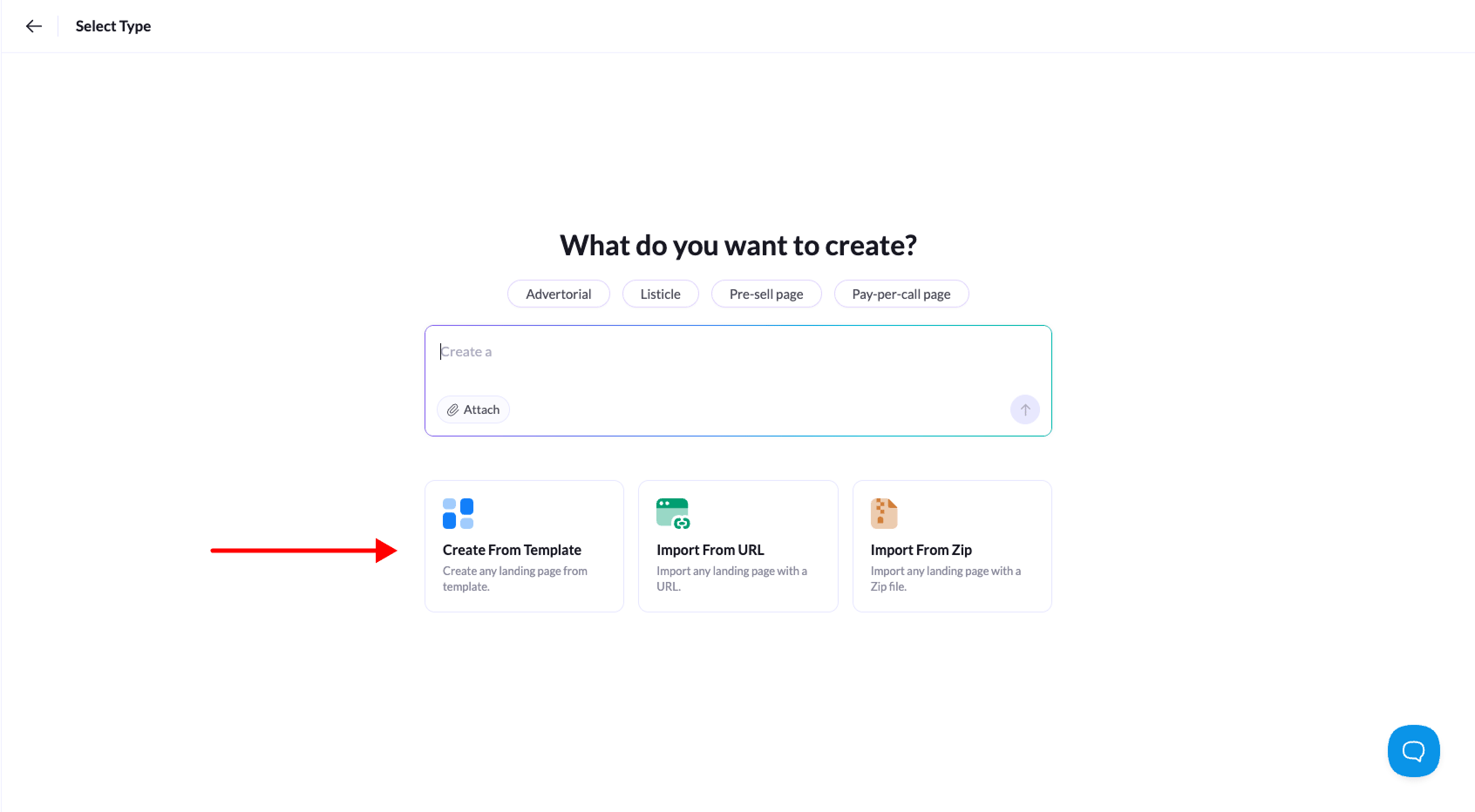
3. Choose “Create from Template”
Select Create From Template to open the template library.
4. Browse the template library
Browse the available templates and choose one that fits your campaign.
You can use the category filters to quickly find templates designed for specific use cases such as advertorials, pre-sell pages, or listicles.
5. Select a template
When you find the template you want to use, click Use Template.
6. Name your landing page
Enter a name for your landing page so you can easily identify it later.
7. Create the landing page
Click Create Landing Page to finish.
Your page will open in the visual editor, where you can customize the layout, content, images, and calls-to-action before publishing.
Tip: Templates are a great starting point if you want to launch campaigns quickly while still having full control over customization.