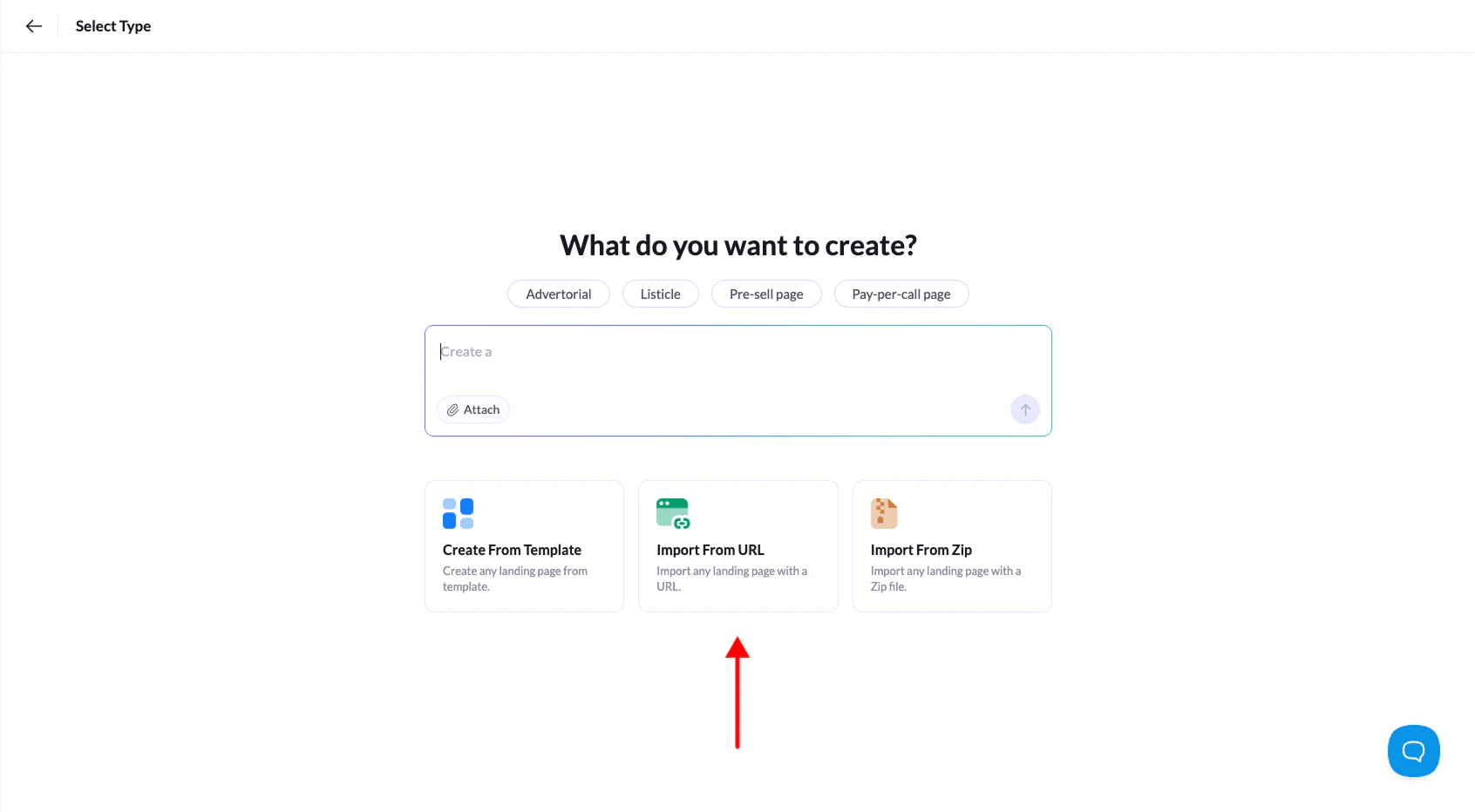
Found a landing page online that caught your eye? Landerlab lets you import it directly from its URL and use it as a starting point for your own design. It’s a quick way to get inspired and build something similar without starting from scratch.
Important: This feature works best with clean HTML landing pages. Pages built with WordPress or other CMS platforms may not import correctly or display properly in the editor.
- Log in to Landerlab and go to Landing Pages.
- Click Add Landing Page in the top-right corner.
- Select Import from URL from the options.
- Paste the public URL of the landing page you want to import, then click Continue.
- Give your landing page a name and click Create Landing Page.
Done! Landerlab will take a few seconds to import the page, then it’ll open automatically in the editor where you can customize it however you want.