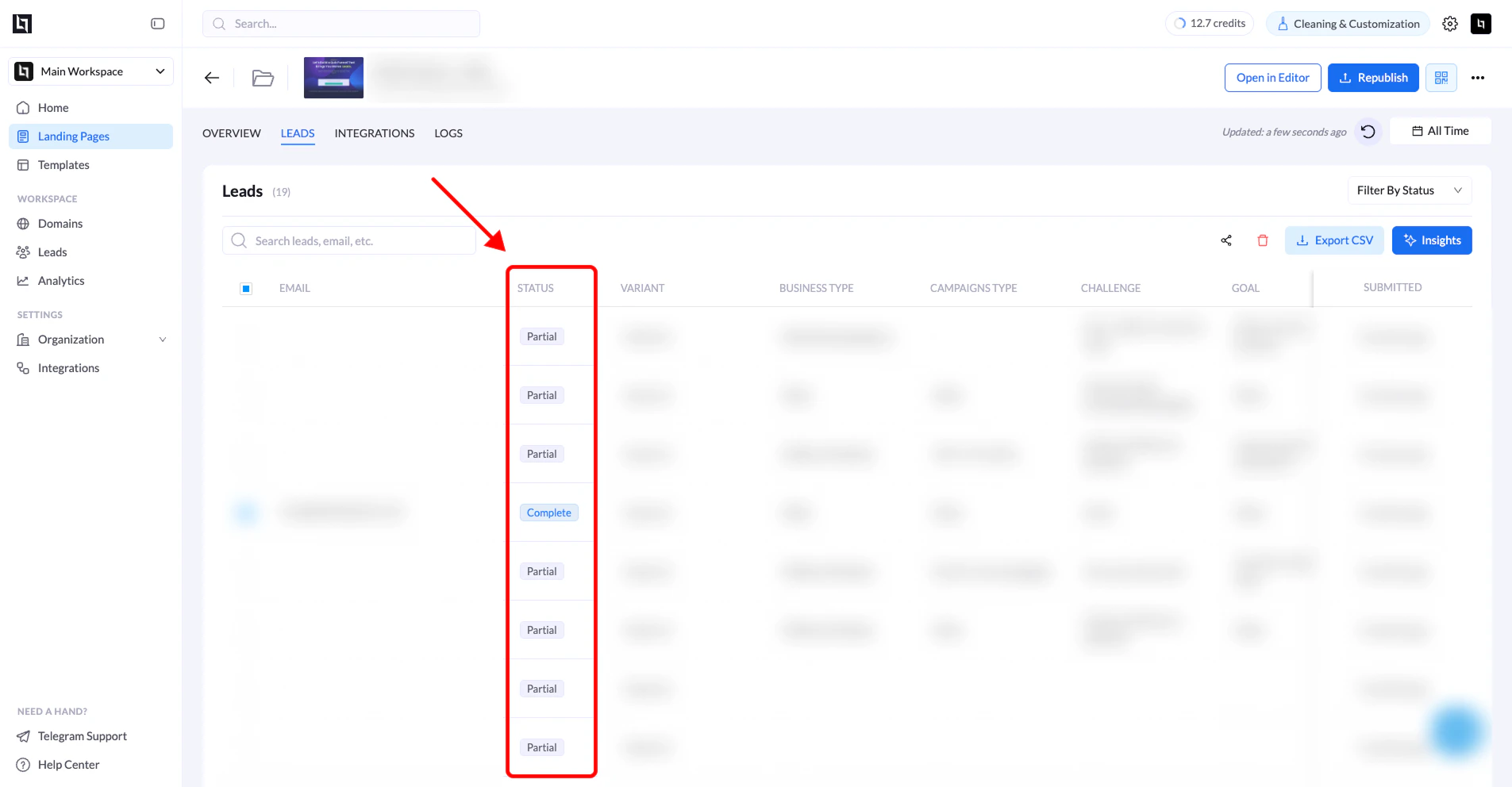
A Partial Lead is recorded when a visitor begins a multi-step submission flow-such as a Quiz or Multi-Step Form-but leaves before completing the entire process.
Partial leads provide valuable insights into where users drop off in your funnel, allowing you to analyze user behavior and improve conversion rates.
What Is a Partial Lead?
A partial lead occurs when a user:
- Starts a multi-step form or quiz
- Submits some information in the early steps
- Leaves the page before reaching the final submission or Thank You page
Even though the user did not fully complete the flow, LanderLab saves the information that was submitted up to that point.
Identifying a Partial Lead
Partial leads can easily be identified in the Leads dashboard.
| Field | Description |
|---|
| Lead Status | Partial submissions are marked with the status “Partial”. |
| Captured Data | Only the information entered before the user left the flow is stored. |
When Partial Leads Are Recorded
Partial leads are only created in multi-step flows, such as:
- Quizzes
- Multi-step lead forms
- Funnels where contact details appear in later steps
Single-step forms usually do not produce partial leads, because the form must be submitted in one step.
Example Flow
Below is a typical scenario where a partial lead is recorded:
- A visitor enters their ZIP Code on the first step.
- The visitor clicks Next and enters their First and Last Name.
- The visitor proceeds to the next step requesting Email and Phone Number.
- The visitor leaves the page without completing the final submission.
Because the user submitted some information but did not finish the flow, LanderLab records this as a Partial Lead.
Why Partial Leads Are Valuable
Partial leads help you:
- Identify drop-off points in your funnel
- Understand user behavior
- Improve form design and conversion rates
- Recover potential leads using the data already collected
Analyzing partial leads can help you optimize your funnels and reduce abandonment rates.
Tip: If you notice a high number of partial leads at a specific step, consider simplifying the form or reducing the number of required fields at that stage.