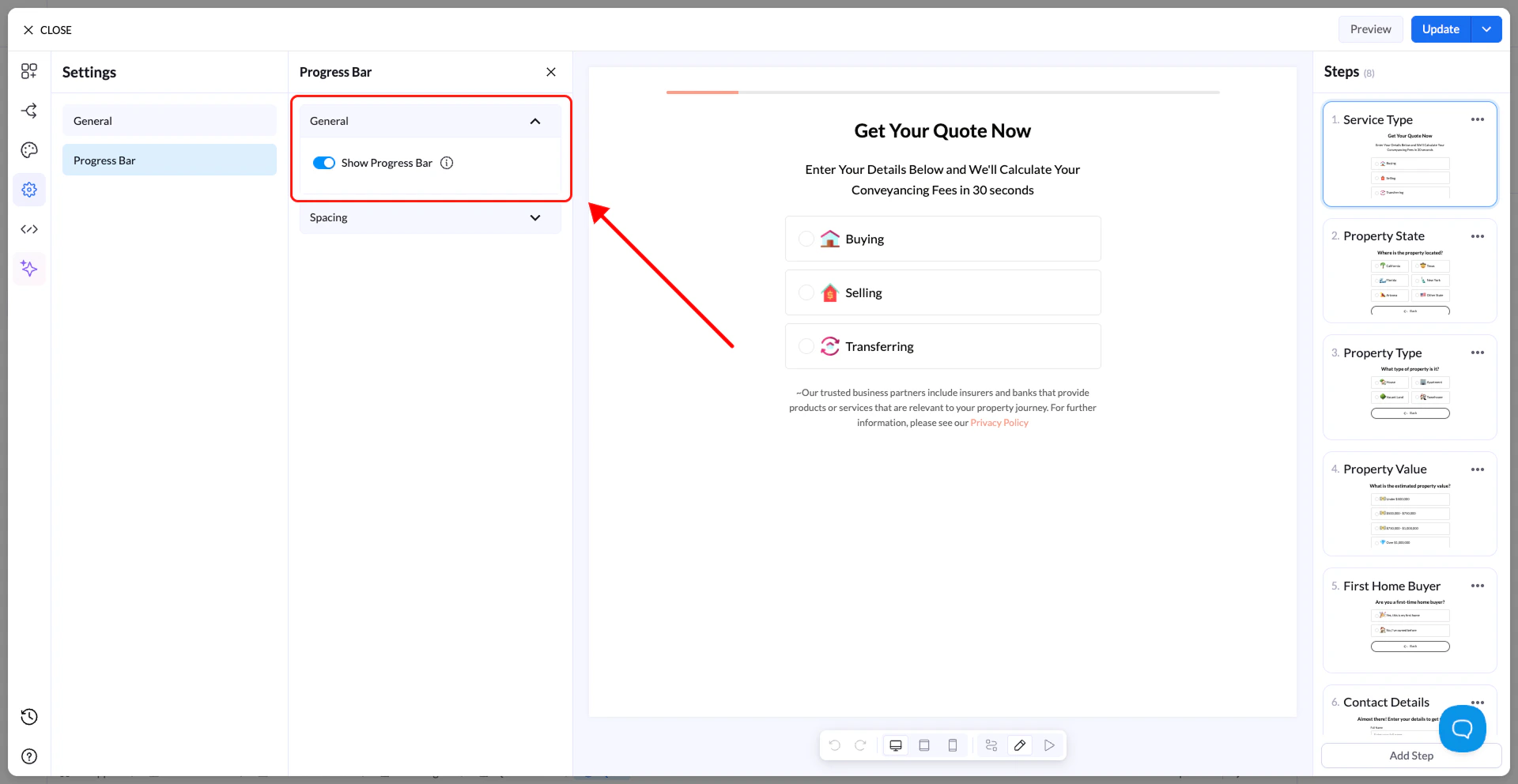
The Progress Bar shows users how far they are in the flow.
  • Enable Progress Bar → Displays it at the top of the flow
  • Spacing → Adjust size and layout
The visual style of the progress bar (colors, thickness, etc.) is configured in the Design tab.
Group65
Tip: Progress bars improve completion rates, especially in longer flows.