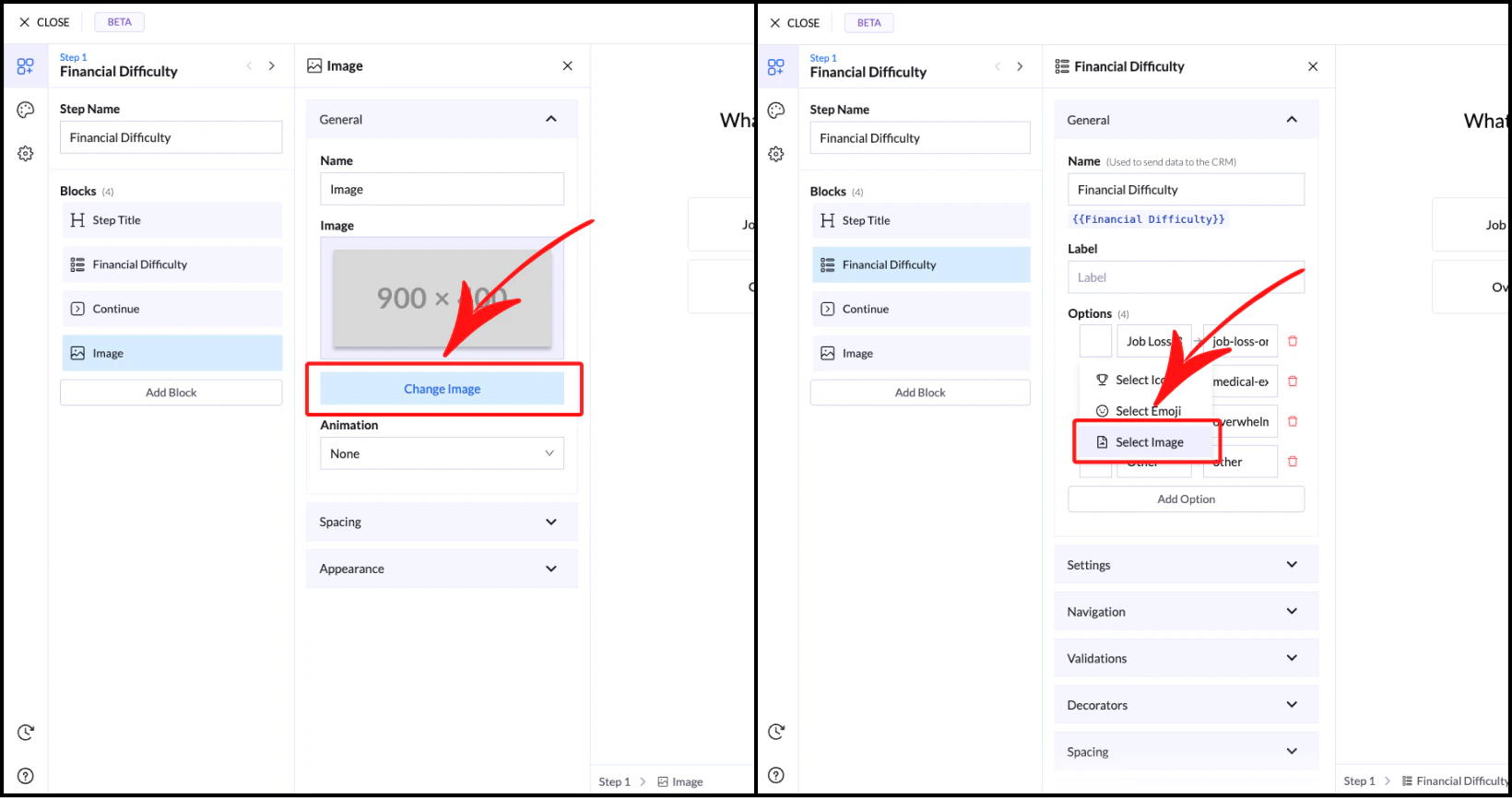
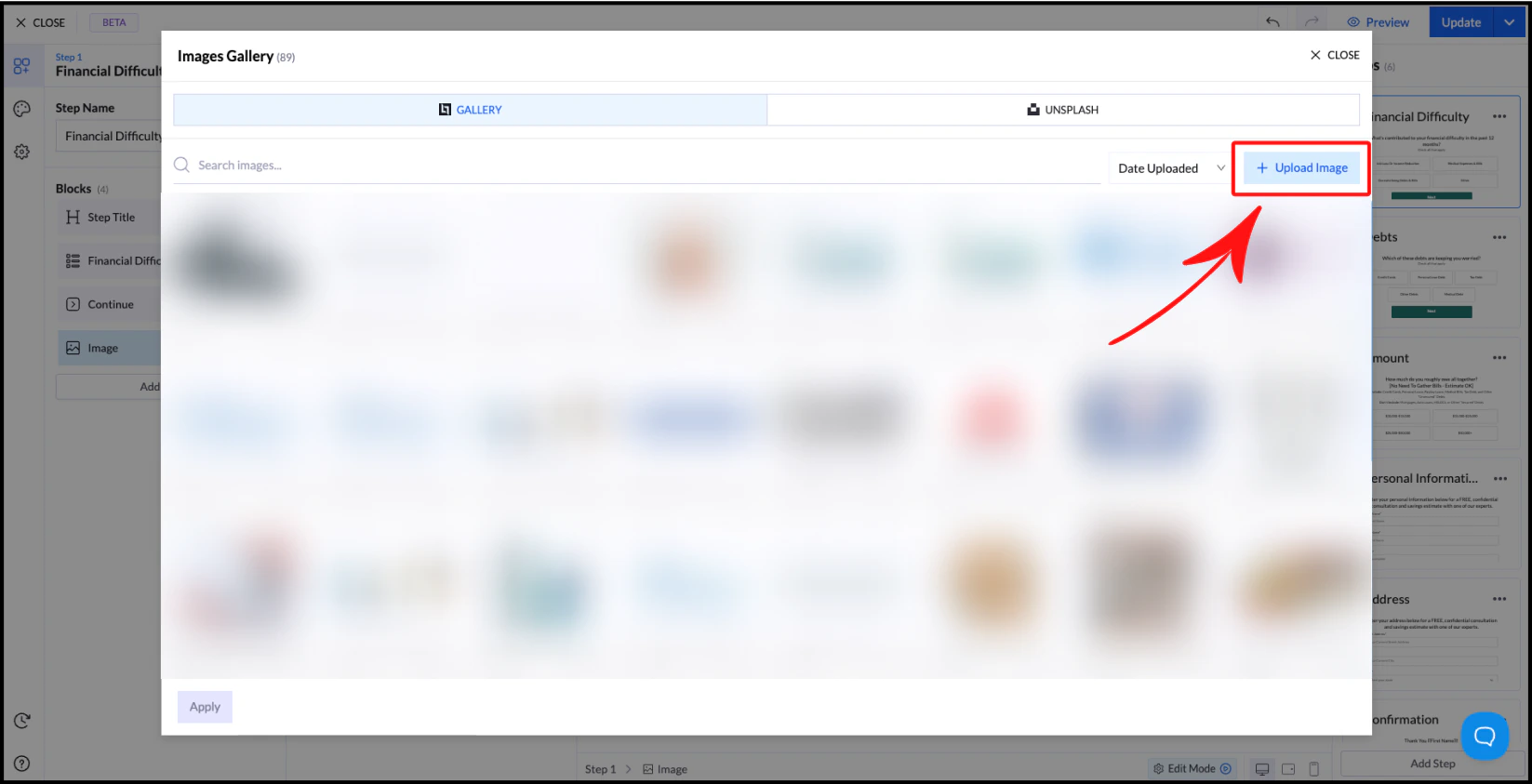
The Image Library allows you to store and reuse images across your landing pages and quiz flows. Once an image is uploaded, it becomes available globally, so you don’t need to upload it again for each project. This helps you build faster and keep your assets organized.
Image
Image

Where You Can Use Images

Images from the library can be used in multiple blocks, including:
  • Image Block
  • Picture Choice
  • Multiple Choice
  • List Block

Managing Images

Inside the Image Library, you can preview and edit your images. When you hover over an image, you will see two options: View
Opens a larger preview so you can inspect the image in detail.
Crop
Allows you to crop the image using preset aspect ratios, including:
  • Free
  • 1:1
  • 4:3
  • 16:9
  • 3:4
  • 9:16

Best Practices

Use consistent image ratios across your flow to maintain a clean layout. For most use cases, 1:1 (square) works best, especially for choice-based elements like Image Choice or Multiple Choice with images.