

How It Works
In LanderLab, quizzes are added as an element inside your landing page, meaning you can turn any page into a multi-step funnel or lead form.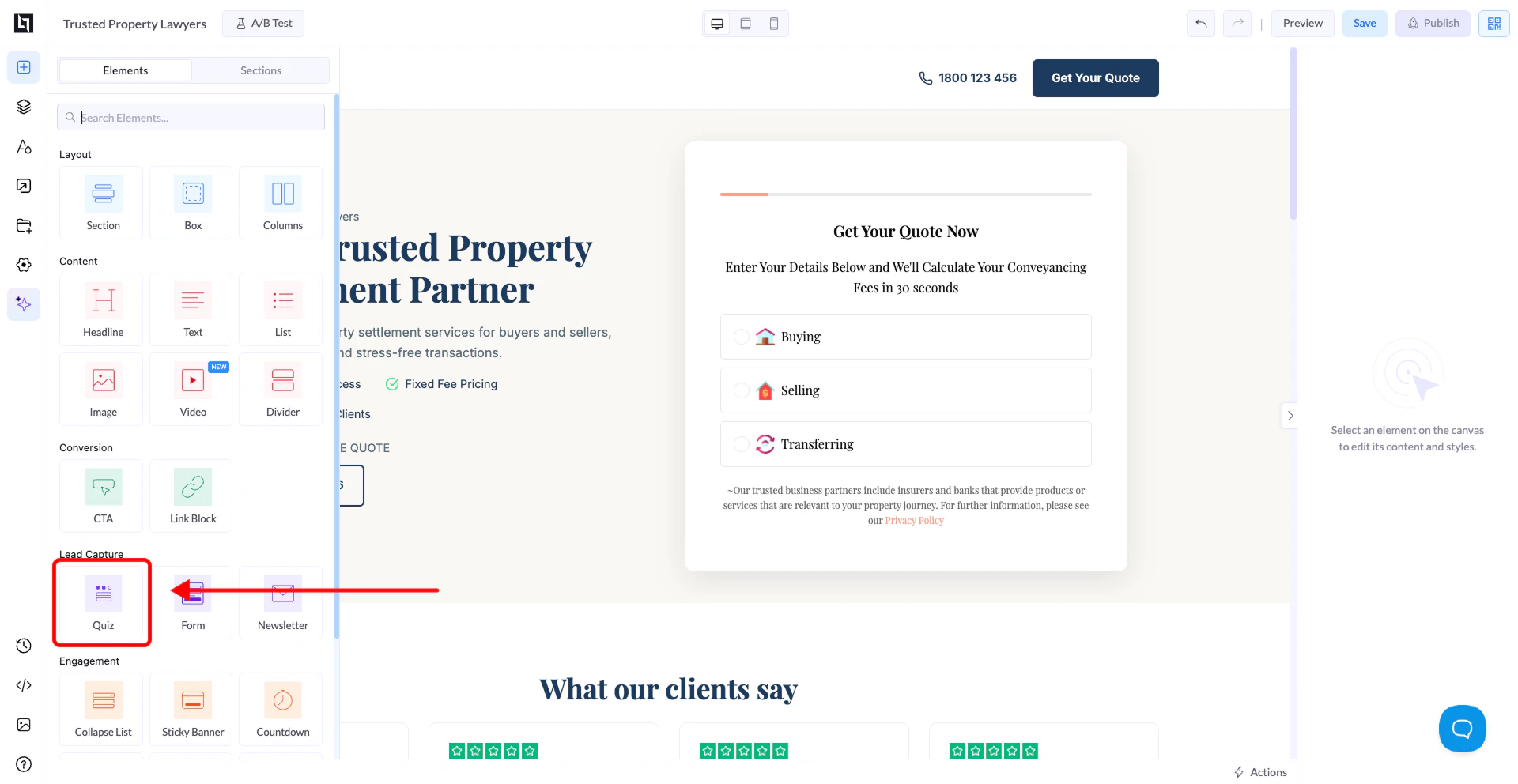
How to Create a Quiz from Scratch
1. Open the Landing Page Editor
- Go to Landing Pages
- Open an existing page or create a new one
- Click Open in Editor
2. Locate the Quiz Element
- In the editor, go to the Elements panel on the left
- Scroll to find the Quiz element
3. Drag and Drop the Quiz
- Drag the Quiz element onto your page canvas
- Place it where you want the quiz to appear
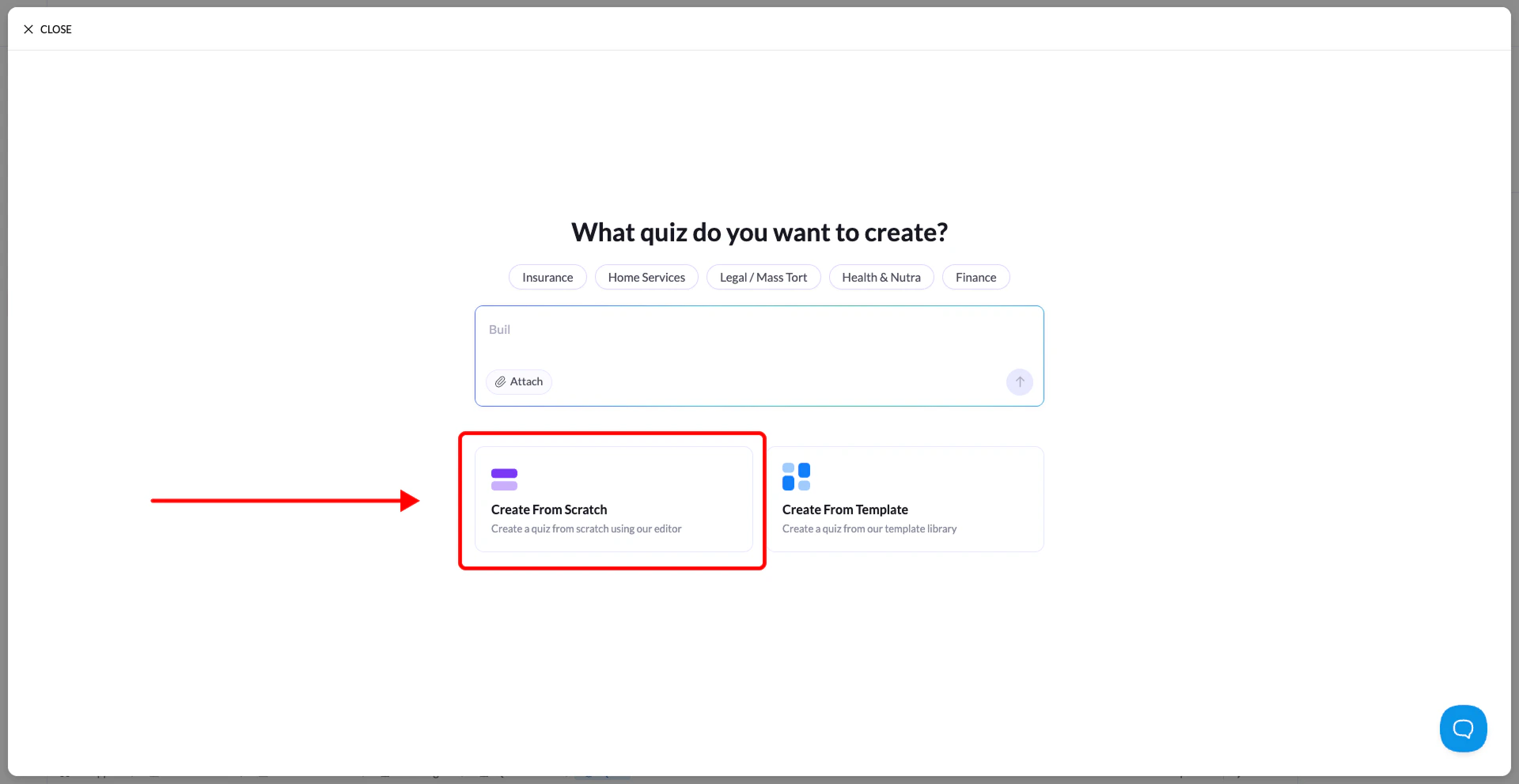
4. Select “Start from Scratch”
- After dropping the element, a configuration modal will appear
- Select Start from Scratch
5. Build Your Quiz Steps
You will now enter the Quiz Builder interface.- The first step is created automatically
- Start adding blocks such as:
- Text inputs
- Multiple choice questions
- ZIP code fields
- Contact forms