> ## Documentation Index
> Fetch the complete documentation index at: https://docs.landerlab.io/llms.txt
> Use this file to discover all available pages before exploring further.
# 使用进度条提高完成率
> 在测验漏斗设置中开启 Enable Progress Bar,在流程顶部显示完成进度,并在 Design 标签页调整样式,帮助用户坚持完成较长的多步骤流程。
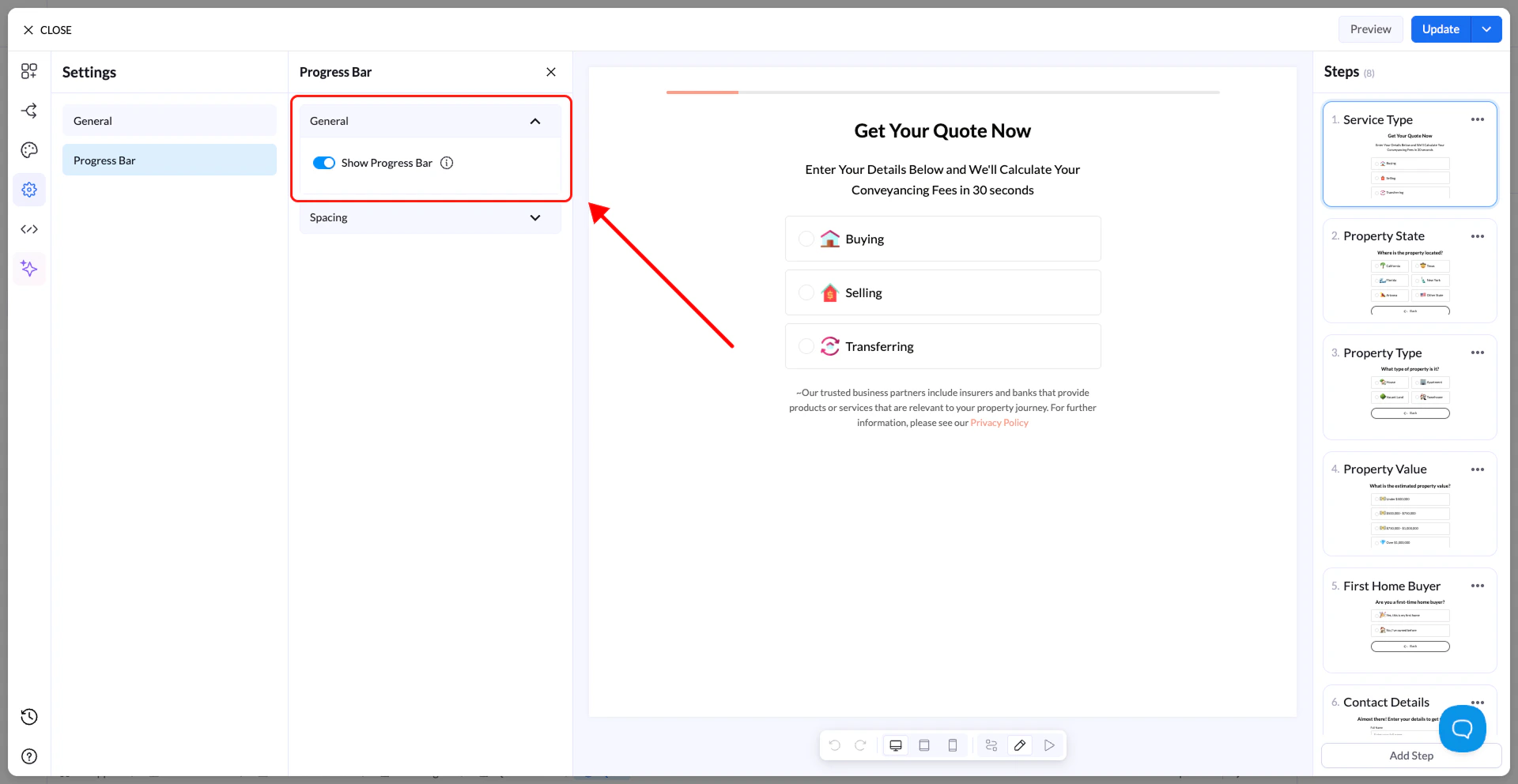
进度条(Progress Bar)向用户展示他们在流程中的完成进度。
* **Enable Progress Bar** → 在流程顶部显示进度条
* **Spacing** → 调整尺寸和布局
进度条的视觉样式(颜色、粗细等)在 **Design tab**(设计标签页)中配置。
 提示:进度条可以提高完成率,尤其是在较长的流程中。
This documentation is built and hosted on [Mintlify](https://mintlify.com), a developer documentation platform.
提示:进度条可以提高完成率,尤其是在较长的流程中。
This documentation is built and hosted on [Mintlify](https://mintlify.com), a developer documentation platform.