> ## Documentation Index
> Fetch the complete documentation index at: https://docs.landerlab.io/llms.txt
> Use this file to discover all available pages before exploring further.
# Personalize os fundos das landing pages
> Personalize fundos com cores, imagens e gradientes para enriquecer o design e criar landing pages visualmente atraentes.
A seção Background permite controlar a aparência do que fica por trás do conteúdo dos elementos. Você pode aplicar cores, imagens ou gradientes, dependendo do tipo de elemento.
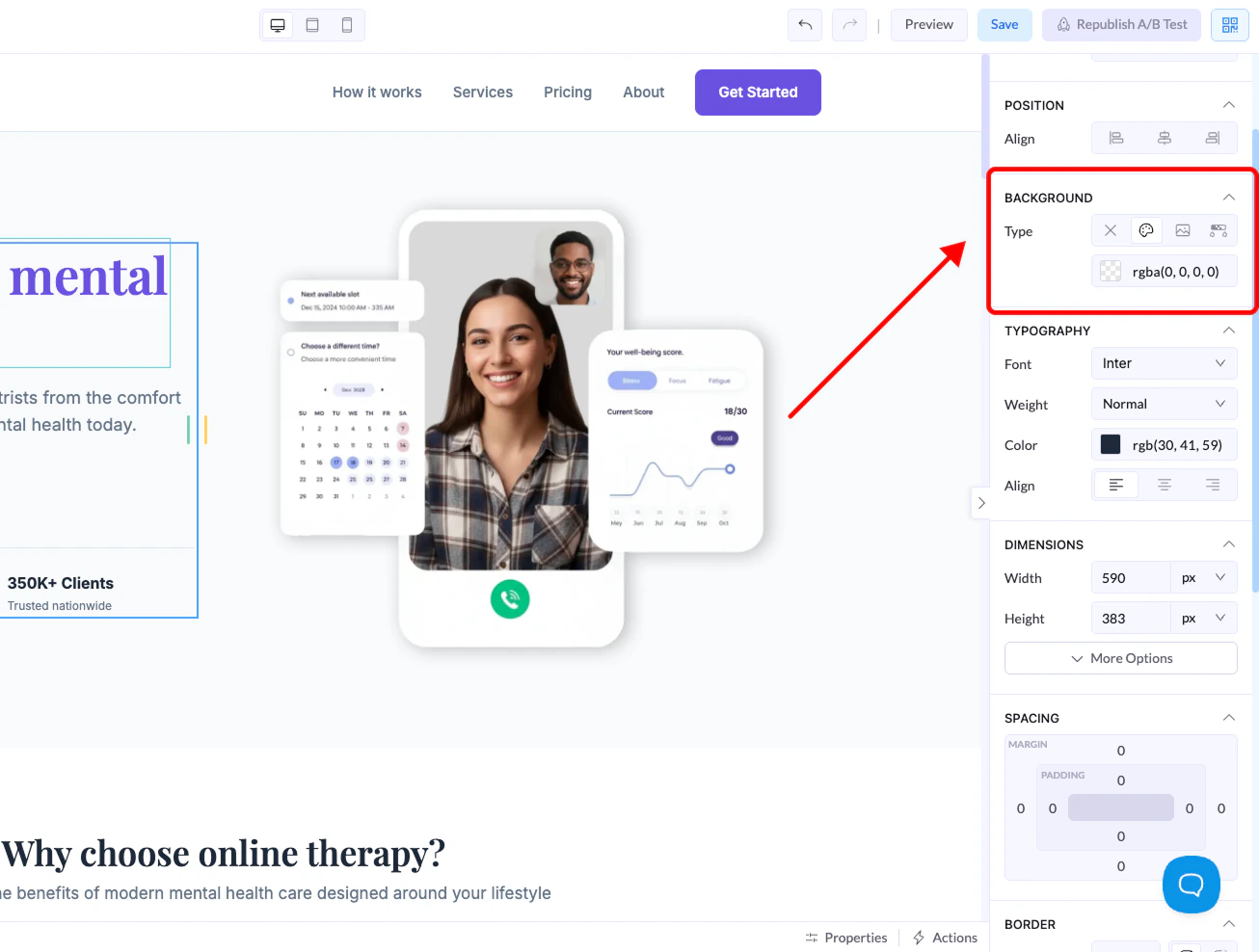
Você encontra essas configurações no **painel da direita** ao selecionar um elemento.
***
## Onde encontrar
1. Selecione um elemento (seção, contêiner, botão etc.)
2. Vá até o **painel da direita**
3. Abra a seção **Background**
 ***
## Tipos de fundo
Elementos diferentes aceitam opções de fundo diferentes.
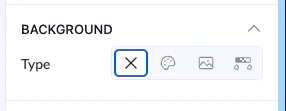
### None (X)
* Remove qualquer fundo
* O elemento fica transparente
***
## Tipos de fundo
Elementos diferentes aceitam opções de fundo diferentes.
### None (X)
* Remove qualquer fundo
* O elemento fica transparente
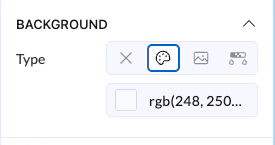
 ### Color
* Aplica uma cor sólida
* Você pode usar:
* Seletor de cores
* Valores RGB
👉 Muito usado em botões, seções e contêineres
### Color
* Aplica uma cor sólida
* Você pode usar:
* Seletor de cores
* Valores RGB
👉 Muito usado em botões, seções e contêineres
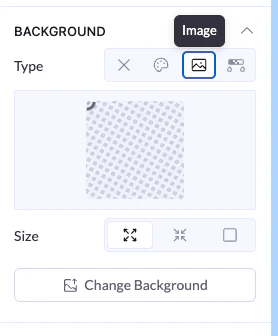
 ### Image
* Define uma imagem como fundo
* Disponível principalmente para elementos maiores, como seções ou contêineres
As opções incluem:
* Enviar ou trocar a imagem
* Ajustar o tamanho (fit, cover etc.)
👉 Não disponível em elementos menores, como botões
### Image
* Define uma imagem como fundo
* Disponível principalmente para elementos maiores, como seções ou contêineres
As opções incluem:
* Enviar ou trocar a imagem
* Ajustar o tamanho (fit, cover etc.)
👉 Não disponível em elementos menores, como botões
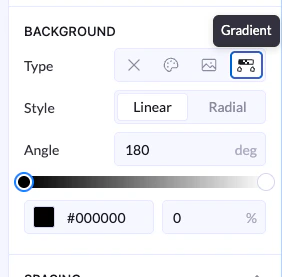
 ### Gradient
* Cria uma transição suave entre cores
As opções incluem:
* Estilo **Linear** ou **Radial**
* Controle de ângulo
* Vários pontos de cor
👉 Ótimo para interfaces modernas e profundidade visual
### Gradient
* Cria uma transição suave entre cores
As opções incluem:
* Estilo **Linear** ou **Radial**
* Controle de ângulo
* Vários pontos de cor
👉 Ótimo para interfaces modernas e profundidade visual