> ## Documentation Index
> Fetch the complete documentation index at: https://docs.landerlab.io/llms.txt
> Use this file to discover all available pages before exploring further.
# Welcome to LanderLab
> Build high-converting landing pages, quizzes, and funnels to turn paid traffic into qualified leads and maximize performance marketing ROI.
Welcome to the **LanderLab Knowledge Base** - your central place to learn how to build, launch, and optimize high-converting landing experiences.
 ## What LanderLab Is?
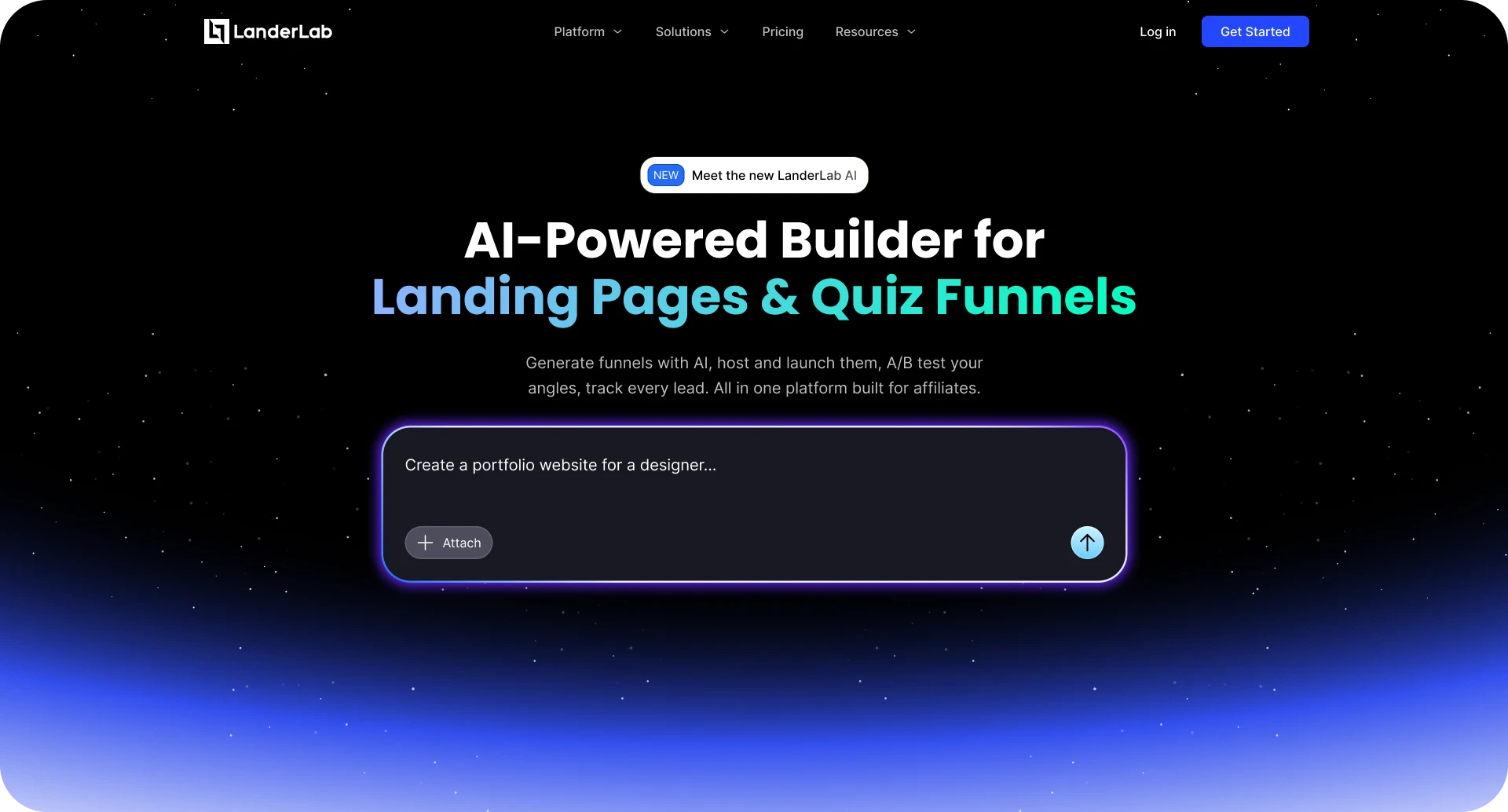
**LanderLab** is a platform designed to help you **create interactive landing experiences that capture leads, qualify visitors, and increase conversions**. Instead of static landing pages, LanderLab lets you build **engaging flows such as quizzes, funnels, and interactive forms** that guide visitors step-by-step.
With LanderLab you can quickly design experiences that feel personalized, collect valuable data from your visitors, and turn more traffic into qualified leads.
## What You Can Build With It?
LanderLab is a landing page builder focused on creating high-converting pages for ads, campaigns, and offers - all in one streamlined platform.
* **Landing pages for paid traffic** - Create high-converting pages designed specifically to turn ad clicks into leads or sales.
* **Lead generation funnels** → Build structured flows that guide users step by step to capture high-quality leads.
* **Multi-step forms and quizzes** - Use interactive forms to increase engagement and improve completion rates.
* **Presell (bridge) pages for affiliate offers** - Warm up users and increase conversions before sending them to an offer.
* **Thank you pages and redirect flows** - Control what happens after a conversion and guide users to the next step.
* **Email capture pages (opt-in pages)** - Collect emails efficiently for newsletters, offers, or follow-up campaigns.
* **Product showcase pages** - Present products in a clean and persuasive way to drive interest and clicks.
* **Simple websites for campaigns** - Launch lightweight websites quickly for specific campaigns or offers.
* **Advertorial pages** - Create story-driven pages that educate users and improve conversion rates.
* **Webinar registration pages** - Capture sign-ups for webinars with dedicated landing pages.
* **Survey funnels** - Collect user data and segment audiences through structured surveys.
* **Click-through pages** - Send users directly to an offer or next step with minimal friction.
* **Countdown / urgency pages** - Add time-based urgency to push users toward faster decisions.
* **Mobile-optimized funnels** - Build flows that are fully optimized for mobile traffic and performance.
## Who It’s For?
LanderLab is built for teams and professionals who rely on **high-converting landing experiences to drive results from paid traffic and campaigns**, including:
* **Lead Generation Marketers** who want to capture and qualify leads through interactive funnels instead of static forms.
* **Performance Marketers** running paid traffic campaigns who need landing experiences optimized for higher conversion rates.
* **Affiliates** looking to pre-qualify users and increase EPC with interactive quiz funnels.
* **Ecommerce Brands** that want to guide shoppers with product recommendation quizzes and interactive flows.
* **Agencies Running Ads for Clients** that need scalable, high-performing funnels they can quickly build, test, and optimize.
LanderLab helps these teams **turn clicks into qualified leads, customers, and measurable campaign results**.
## What LanderLab Is?
**LanderLab** is a platform designed to help you **create interactive landing experiences that capture leads, qualify visitors, and increase conversions**. Instead of static landing pages, LanderLab lets you build **engaging flows such as quizzes, funnels, and interactive forms** that guide visitors step-by-step.
With LanderLab you can quickly design experiences that feel personalized, collect valuable data from your visitors, and turn more traffic into qualified leads.
## What You Can Build With It?
LanderLab is a landing page builder focused on creating high-converting pages for ads, campaigns, and offers - all in one streamlined platform.
* **Landing pages for paid traffic** - Create high-converting pages designed specifically to turn ad clicks into leads or sales.
* **Lead generation funnels** → Build structured flows that guide users step by step to capture high-quality leads.
* **Multi-step forms and quizzes** - Use interactive forms to increase engagement and improve completion rates.
* **Presell (bridge) pages for affiliate offers** - Warm up users and increase conversions before sending them to an offer.
* **Thank you pages and redirect flows** - Control what happens after a conversion and guide users to the next step.
* **Email capture pages (opt-in pages)** - Collect emails efficiently for newsletters, offers, or follow-up campaigns.
* **Product showcase pages** - Present products in a clean and persuasive way to drive interest and clicks.
* **Simple websites for campaigns** - Launch lightweight websites quickly for specific campaigns or offers.
* **Advertorial pages** - Create story-driven pages that educate users and improve conversion rates.
* **Webinar registration pages** - Capture sign-ups for webinars with dedicated landing pages.
* **Survey funnels** - Collect user data and segment audiences through structured surveys.
* **Click-through pages** - Send users directly to an offer or next step with minimal friction.
* **Countdown / urgency pages** - Add time-based urgency to push users toward faster decisions.
* **Mobile-optimized funnels** - Build flows that are fully optimized for mobile traffic and performance.
## Who It’s For?
LanderLab is built for teams and professionals who rely on **high-converting landing experiences to drive results from paid traffic and campaigns**, including:
* **Lead Generation Marketers** who want to capture and qualify leads through interactive funnels instead of static forms.
* **Performance Marketers** running paid traffic campaigns who need landing experiences optimized for higher conversion rates.
* **Affiliates** looking to pre-qualify users and increase EPC with interactive quiz funnels.
* **Ecommerce Brands** that want to guide shoppers with product recommendation quizzes and interactive flows.
* **Agencies Running Ads for Clients** that need scalable, high-performing funnels they can quickly build, test, and optimize.
LanderLab helps these teams **turn clicks into qualified leads, customers, and measurable campaign results**.