> ## Documentation Index
> Fetch the complete documentation index at: https://docs.landerlab.io/llms.txt
> Use this file to discover all available pages before exploring further.
# Use Progress Bar to Improve Completion Rates
> Use progress bars to show completion status, improve user experience, and increase conversion rates in multi-step funnels.
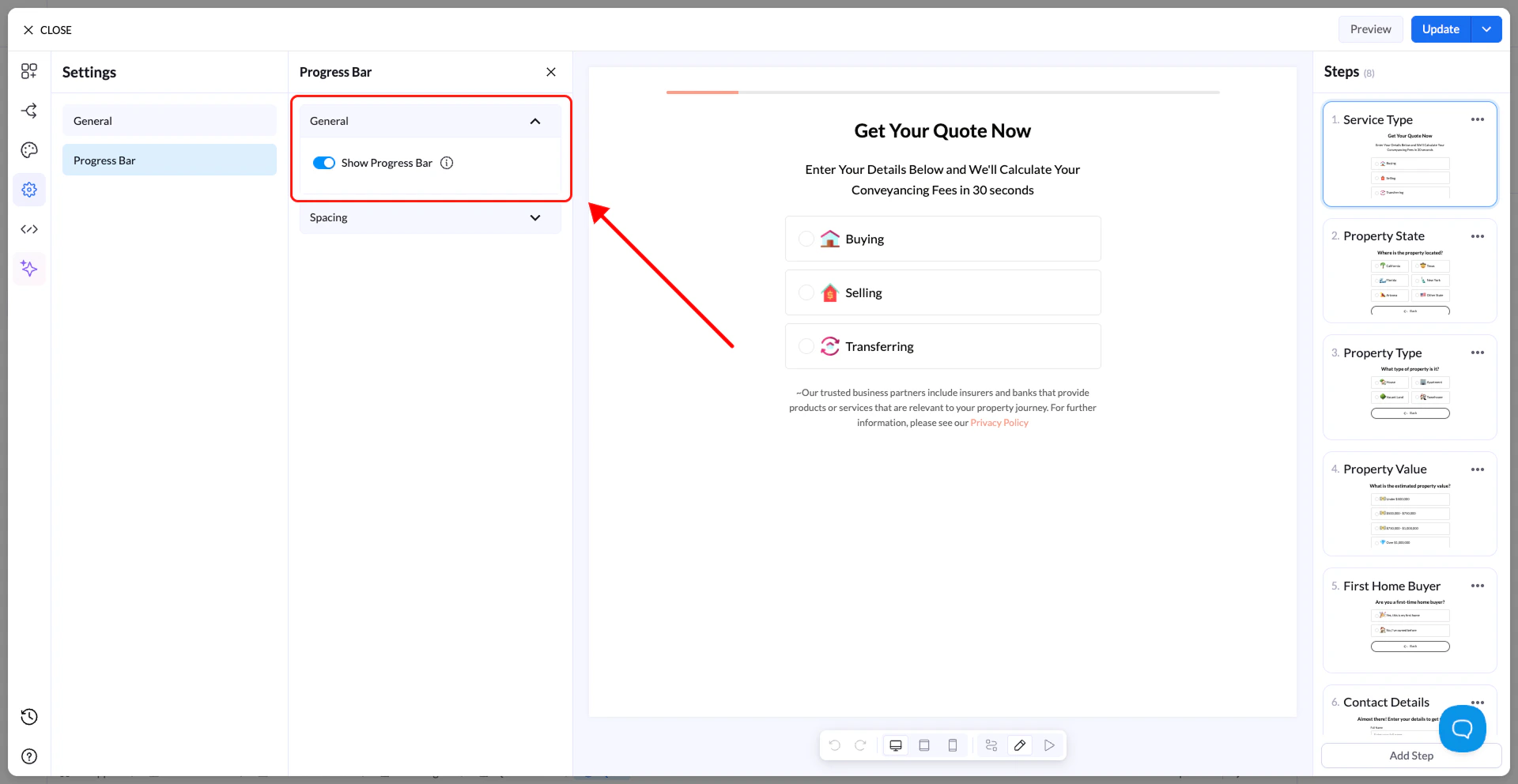
The Progress Bar shows users how far they are in the flow.
* **Enable Progress Bar** → Displays it at the top of the flow
* **Spacing** → Adjust size and layout
The visual style of the progress bar (colors, thickness, etc.) is configured in the **Design tab**.
 Tip: Progress bars improve completion rates, especially in longer flows.