> ## Documentation Index
> Fetch the complete documentation index at: https://docs.landerlab.io/llms.txt
> Use this file to discover all available pages before exploring further.
# Customize Backgrounds for Landing Pages
> Customize backgrounds with colors, images, and gradients to enhance design and create visually engaging landing pages.
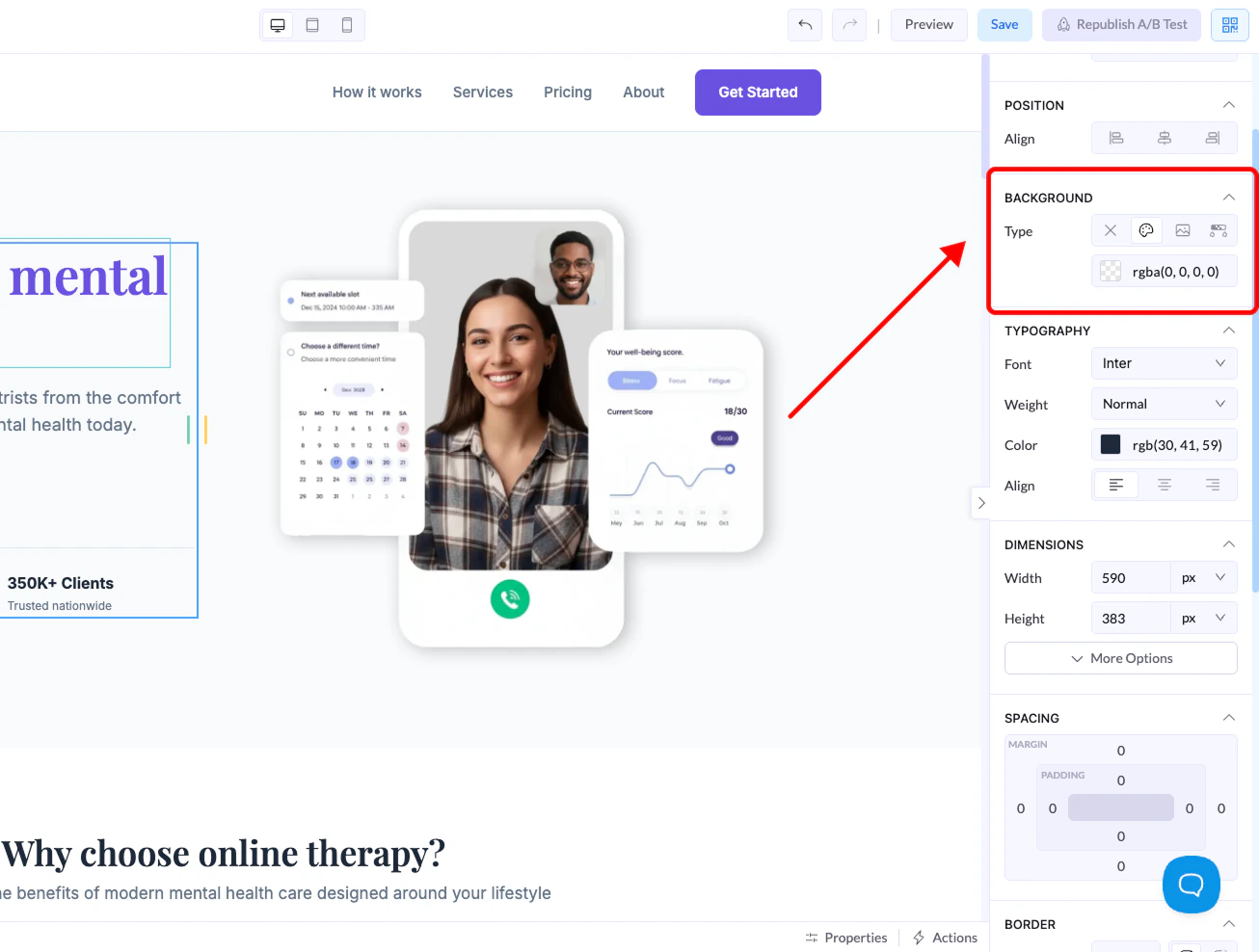
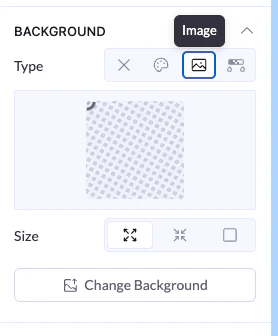
The Background section lets you control how elements look behind their content. You can apply colors, images, or gradients depending on the type of element.
You’ll find these settings in the **right-side panel** when selecting an element.
***
## Where to Find It
1. Select an element (section, container, button, etc.)
2. Go to the **right panel**
3. Open the **Background** section
 ***
## Background Types
Different elements support different background options.
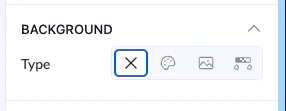
### None (X)
* Removes any background
* The element becomes transparent
***
## Background Types
Different elements support different background options.
### None (X)
* Removes any background
* The element becomes transparent
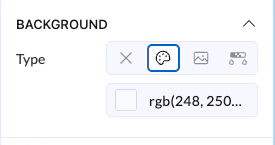
 ### Color
* Apply a solid color
* You can use:
* Color picker
* RGB values
👉 Most commonly used for buttons, sections, and containers
### Color
* Apply a solid color
* You can use:
* Color picker
* RGB values
👉 Most commonly used for buttons, sections, and containers
 ### Image
* Set an image as the background
* Available mainly for larger elements like sections or containers
Options include:
* Upload or change image
* Adjust size (fit, cover, etc.)
👉 Not available on smaller elements like buttons
### Image
* Set an image as the background
* Available mainly for larger elements like sections or containers
Options include:
* Upload or change image
* Adjust size (fit, cover, etc.)
👉 Not available on smaller elements like buttons
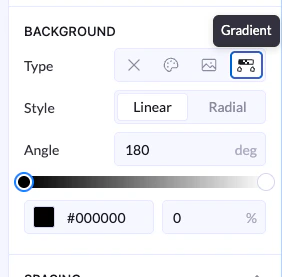
 ### Gradient
* Create a smooth transition between colors
Options include:
* **Linear** or **Radial** style
* Angle control
* Multiple color stops
👉 Great for modern UI and visual depth
### Gradient
* Create a smooth transition between colors
Options include:
* **Linear** or **Radial** style
* Angle control
* Multiple color stops
👉 Great for modern UI and visual depth