> ## Documentation Index
> Fetch the complete documentation index at: https://docs.landerlab.io/llms.txt
> Use this file to discover all available pages before exploring further.
# How to Change Your Timezone in LanderLab
> Learn how to update your timezone in LanderLab profile settings to make sure your analytics data reflects the correct local time.
LanderLab uses your timezone setting to display analytics data. If your reports show timestamps that don't match your local time, updating your timezone will fix that.
## How to update your timezone
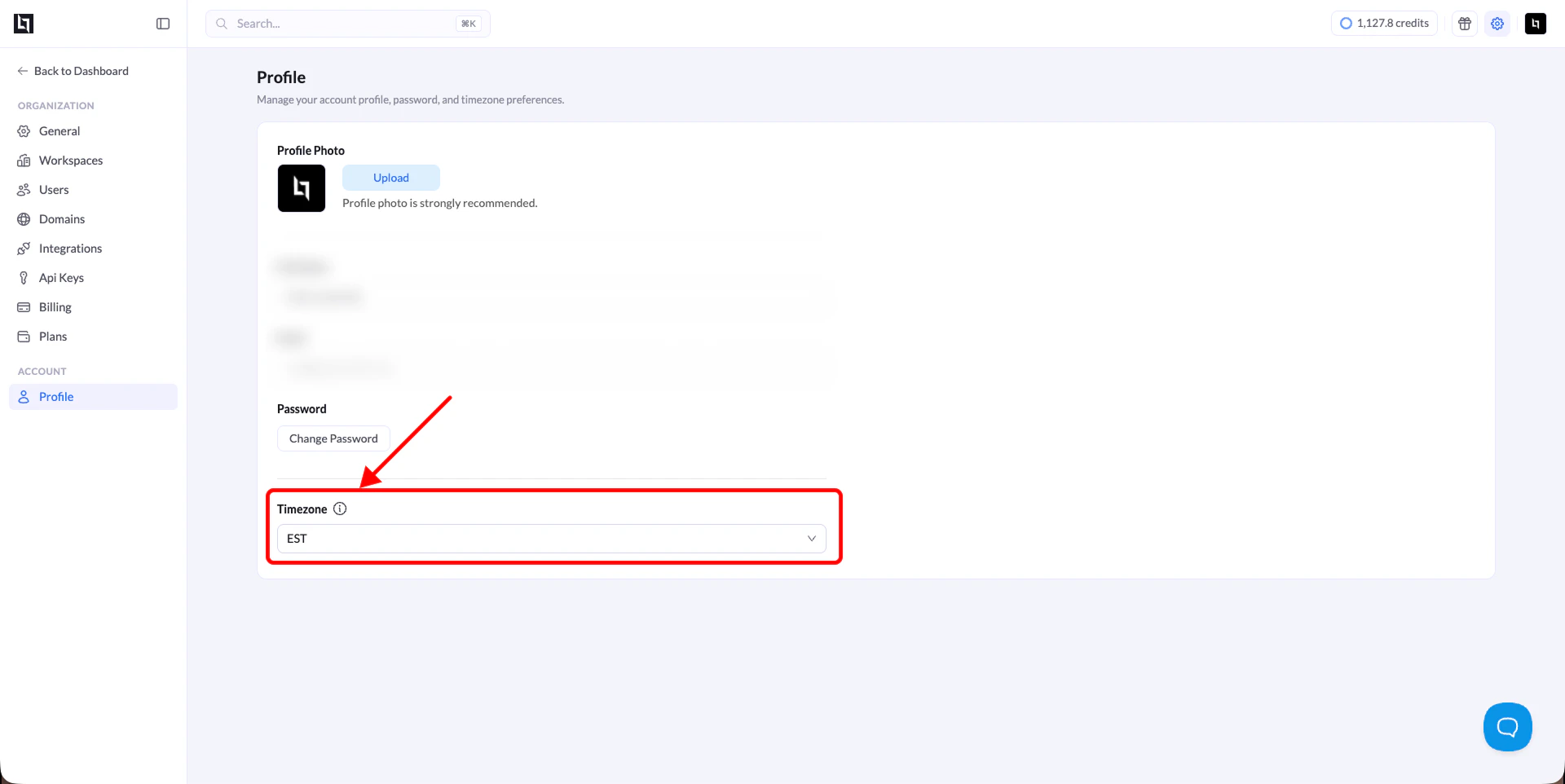
1. Go to **Settings** in the top-right corner of the dashboard.
2. Under **Account**, click **Profile**.
3. Scroll down to the **Timezone** field.
4. Select your timezone from the dropdown.
5. Save your changes.
Your analytics data will now reflect the correct local time.